
Guide for business owners
Ransomware: How North Carolina Small Businesses Prevent It and Recover
Ransomware can lock up a company's computers and stop work until they are restored, and most victims of known size are small and midsize organizations. This guide explains, in plain words, what it is, how criminals usually get in, the few controls that close the usual ways in, what to do in the first day, and how to think about paying.
Last reviewed by Preferred Data Corporation
Who this guide is for
- Owners and managers of 10 to 250 person North Carolina companies who want to know how likely ransomware is and what actually stops it.
- Office managers and controllers who would be the ones making calls if the screens went dark tomorrow.
- Anyone filling out a cyber insurance application that asks about backups, multi-factor authentication or endpoint protection.
If you are in the middle of an attack right now, skip this guide: open the first 24 hours checklist and call your IT provider.
What is ransomware, in plain words?
Ransomware is malicious software that keeps you from getting to your computer files, systems or networks and demands a payment for their return (FBI). Many gangs also copy your data before they lock it and threaten to publish it, a tactic CISA calls "double extortion" (CISA #StopRansomware Guide). In Verizon's 2026 report, ransomware was involved in 48 percent of all breaches studied, up from 44 percent the year before (Verizon 2026 DBIR).
Some criminals skip the locking step and simply steal data, then threaten to release it (CISA #StopRansomware Guide). That matters for planning: a good backup gets your files back, but it does nothing about data that has already left the building.
Plain-English definitions of these terms, and of tools such as EDR and immutable backups, are in our IT and cybersecurity glossary.
Key takeaway: Ransomware is now two problems: getting your systems running again, and dealing with stolen data. Plan for both.
Do ransomware gangs really go after small businesses?
Yes. Of the ransomware cases in Verizon's 2026 report where the victim's size was known, about 96 percent were organizations with fewer than 1,000 employees (Verizon 2026 DBIR). Verizon describes many of these attacks as opportunistic: it is "not so much about industry or the revenue of the victims" as about a stolen password or an unpatched device.
The FBI received more than 3,600 ransomware complaints in 2025 with losses of more than $32 million, and it warns that this loss figure does not normally include lost business, time, wages, files, equipment or outside recovery help (FBI IC3 2025 Internet Crime Report). So the real cost of these attacks is far higher than that reported figure.
Of the more than 1,400 ransomware complaints the FBI received in 2025 from outside critical infrastructure, the most came from legal services (18 percent), contractors such as electricians and general contractors (17 percent), engineering and architecture firms (10 percent), consultants (7 percent) and manufacturers of goods such as furniture and building materials (5 percent) (FBI IC3 2025 report).
For North Carolina numbers, including breach counts reported to the NC Department of Justice, see our North Carolina Small Business Cyber Risk Report 2026.
How does ransomware usually get in?
Most often through three doors: a software flaw in equipment that faces the internet, a stolen or guessed password, or a phishing message. Across all breaches at businesses with fewer than 1,000 employees in Verizon's 2026 data (not only ransomware), exploiting a software flaw was the most common way in (26 percent of breaches), ahead of stolen or misused passwords (13 percent) and phishing (9 percent) (Verizon 2026 DBIR). Writing about ransomware and other opportunistic attacks on these businesses, Verizon adds that many victims had passwords that were already compromised (38 percent) or unpatched flaws in edge devices (29 percent), meaning equipment such as firewalls and VPNs that sits between your network and the internet.
| Way in | What it looks like | Share of breaches |
|---|---|---|
| Exploiting a software flaw | An unpatched firewall, VPN or remote access server that anyone on the internet can reach | 26% |
| Stolen or misused passwords | A password bought, guessed or reused from another site, used to log in to email or remote access | 13% |
| Phishing | An email, text or call that tricks someone into clicking a link, opening a file or typing a password | 9% |
Patching is falling behind. Across all organizations in Verizon's data, only 26 percent of the most dangerous known flaws (those on CISA's Known Exploited Vulnerabilities list) were fully fixed in 2025, and the median time to fix one rose to 43 days (Verizon 2026 DBIR).
Third parties are a fourth door. More than half (55 percent) of small and midsize business breaches in Verizon's data involved a third party, such as a software vendor, a service provider or a partner with access to your systems (Verizon 2026 DBIR).
A real example: Akira, the ransomware variant reported most often to the FBI in 2025 (FBI IC3 2025 report), has gotten in through VPNs that did not have multi-factor authentication turned on, and through known software flaws (CISA advisory AA24-109A).
Key takeaway: Ransomware does not need a genius hacker. It often starts with a missed update, a stolen password or one rushed click.
Which security controls protect against ransomware?
Start with six controls the FBI and CISA recommend: multi-factor authentication, endpoint detection and response watched around the clock, backups criminals cannot reach, fast patching of internet-facing equipment, limited admin rights and regular training. The FBI recommends the first five in its 2025 report (FBI IC3 2025 report), and CISA adds a user awareness and training program (CISA #StopRansomware Guide).
| Control | What it means | Why it matters |
|---|---|---|
| Multi-factor authentication (MFA) | A second check, like a code or prompt on your phone, on top of the password | The FBI recommends it for all services where possible, especially webmail, VPNs and accounts that reach critical systems |
| Endpoint detection and response (EDR), monitored 24x7 | Software on every computer that watches for attacker behavior and can isolate a machine, plus people who act on its alerts at any hour | The FBI calls EDR tools particularly useful for spotting an attacker moving between computers. An alert nobody reads at 2 a.m. on a Saturday stops nothing |
| Offline or immutable backups, tested | At least one copy that ransomware cannot reach or change, plus regular practice restores | CISA warns that many ransomware strains look for backups to delete or encrypt them |
| Patching internet-facing devices first | Updating firewalls, VPNs and remote access servers quickly, then everything else on a schedule | The FBI says to prioritize known exploited flaws in internet-facing systems |
| Least privilege | People get only the access their job needs, and admin accounts are separate and rare | Limits how far an attacker can spread from one stolen login |
| Security awareness training | Short, regular lessons on spotting and reporting phishing and fake support calls | Phishing is still one of the common first steps |
The FBI's backup advice is specific: keep backups off-site or offline, make sure they are encrypted and immutable (they cannot be changed or deleted), cover all of your data, and keep up regular backup and restoration (FBI IC3 2025 report). CISA adds that you should regularly test that backups are available and intact in a disaster recovery scenario (CISA #StopRansomware Guide).
Our backup and recovery service is built around those rules, and our cybersecurity services cover monitored endpoint protection, multi-factor authentication and training. If you would rather start on paper, the free data backup and recovery policy and business continuity policy templates write the rules down for you. Because phishing often starts with email, our free email security checker shows whether your domain has basic email protections set up.
Key takeaway: If you can only fix one thing this month, turn on multi-factor authentication everywhere. If you can fix two, prove you can restore from a backup criminals cannot touch.
What should we do in the first 24 hours of a ransomware attack?
Disconnect affected computers from the network but leave them powered on, then call your IT provider and your cyber insurer before you pay, wipe or rebuild anything. Our free ransomware first 24 hours checklist walks through the day step by step. Print it now, because your computers may be locked when you need it.
Write the plan before you need it. The free incident response plan template sets out who does what, who calls whom and where the phone numbers live. Then rehearse it with the tabletop exercise template.
- Find the affected machines and isolate them right away. That is the first response step in the CISA #StopRansomware Guide, which says to power devices down only if you cannot disconnect them.
- Do not turn machines off or delete anything until the experts arrive. The FTC says not to destroy forensic evidence and not to turn machines off until forensic experts get there (FTC data breach response guide). Take phone photos of the ransom note and any strange screens.
- Call your IT provider, then your cyber insurance claims line, then your attorney. CISA lists your cyber insurance company among the people to bring in (CISA #StopRansomware Guide).
- Report the attack to the FBI at ic3.gov and to CISA. The FBI asks for details such as the ransomware name if known, the ransom amount, and the payment address and email the criminals gave you.
- Talk to your attorney about whether personal information was taken, which can trigger North Carolina breach notice duties (see below).
Should we pay the ransom?
The FBI does not support paying a ransom, because paying does not guarantee you get any data back and it encourages more attacks (FBI). The FBI and CISA "do not encourage paying ransom" (CISA advisory AA24-109A), and the Treasury Department's sanctions office says the U.S. government "strongly discourages all private companies and citizens from paying ransom" (OFAC advisory, September 21, 2021).
Paying a criminal group that is under U.S. sanctions can break federal law even if you did not know who you were paying. OFAC applies "strict liability," meaning a company can be held civilly liable even if it did not know or have reason to know (OFAC advisory). OFAC says it will treat a prompt, complete report to law enforcement or CISA as a significant mitigating factor. That is one more reason to report early.
Fewer victims are paying. In Verizon's 2026 report, 69 percent of ransomware victims did not pay, and the median payment fell to $139,875 (Verizon 2026 DBIR). Coalition, a cyber insurer, says a record 86 percent of businesses in its 2025 claims data refused to pay (Coalition 2026 Cyber Claims Report).
North Carolina law bars State agencies and local governments, including school systems and community colleges, from paying or even communicating with ransomware criminals (N.C. Gen. Stat. 143-800). That law does not cover private businesses, but any decision to pay should involve your attorney, your insurer and law enforcement.
Key takeaway: The best way to avoid the payment question is a tested backup that lets you say no.
Does cyber insurance cover ransomware, and who do we have to notify?
Many cyber policies cover costs such as cyber extortion, forensic investigation, lost income from business interruption, customer notification and legal advice (FTC), but only on the policy's terms, so read yours before an attack. If criminals copied personal information about North Carolina residents, such as names with Social Security or bank account numbers, the attack may be a "security breach" under state law, which requires notice to the affected people and to the NC Attorney General's Consumer Protection Division (N.C. Gen. Stat. 75-65).
The definition matters. North Carolina's law covers unauthorized access to and acquisition of unencrypted and unredacted records containing personal information, where illegal use has occurred or is reasonably likely, or that creates a material risk of harm to a consumer (N.C. Gen. Stat. 75-61). Because many gangs steal data before locking it, expect your attorney to look at this question every time.
If you notify more than 1,000 people at one time, you must also notify the nationwide consumer reporting agencies (N.C. Gen. Stat. 75-65). Our plain-English guide to North Carolina data breach law covers who to notify, when and what the notice must say.
Insurance comes with rules of its own, such as how quickly you must report and which response firms you may use. Our cyber insurance guide explains what insurers ask, and the free cyber insurance readiness checker shows where you stand.
Where to start
5 practical next steps, in order.
Turn on multi-factor authentication everywhere it matters
Start with email, remote access (VPN and remote desktop) and every administrator account. The FBI singles out webmail, VPNs and accounts that reach critical systems.
Prove you can restore from a backup criminals cannot reach
Confirm at least one backup copy is offline or immutable, then restore a real file and a real server to prove it works. Write the rules down with the free data backup and recovery policy template.
Patch your firewall, VPN and remote access first
List every device that faces the internet and make sure each one is still supported and fully updated. Our managed IT services keep this on a schedule.
Write and print the plan for the worst day
Fill in the free incident response plan template, print the first 24 hours checklist, and put your IT provider, insurer, attorney and bank phone numbers on paper.
Check where you stand
Run the free cyber insurance readiness checker or the cybersecurity assessment to see which controls you are missing, in priority order.
Free tools and templates
Free checklists, policy templates, tools and research from our resource library that help you prevent ransomware and recover from it.
Free tools
 Free toolCyber Insurance Readiness CheckerSixteen quick questions about the security controls insurers commonly ask about, with a readiness score and a fix list in priority order.
 Free toolCybersecurity AssessmentEighteen yes, partly or no questions on logins, computers, data and people, with a letter grade and the actions to take first.
Policy templates
 Policy templateIncident Response PlanKnow exactly who does what in the first hours of a ransomware attack, data breach or business email compromise, including who to call and which notification clocks start.
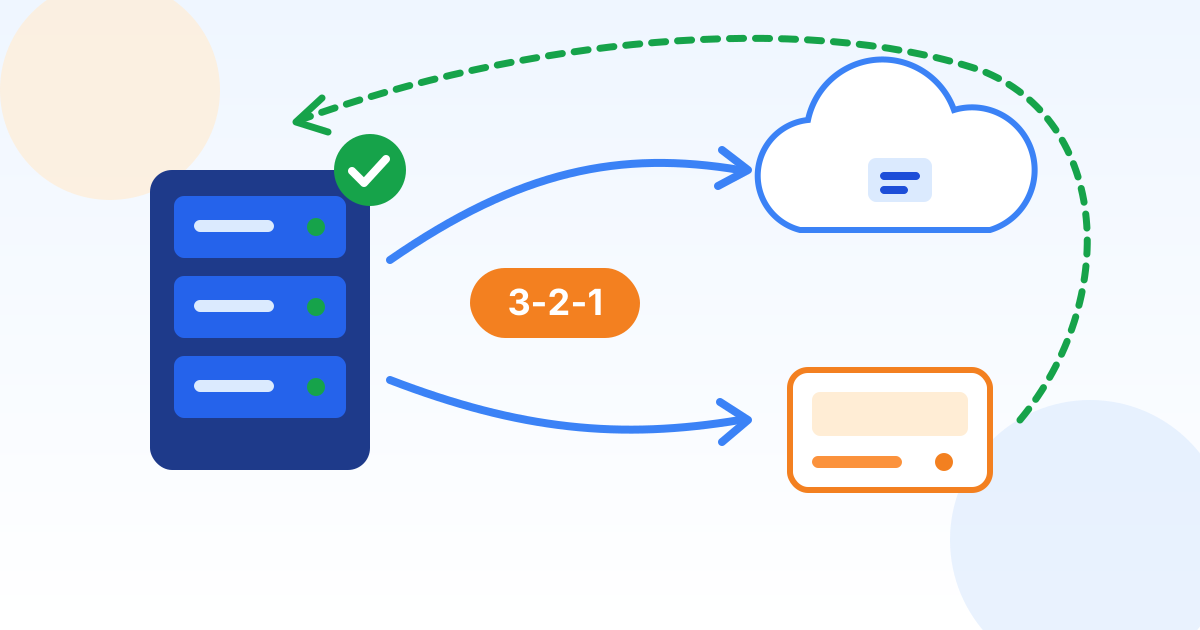 Policy templateData Backup and Recovery PolicyDefine what gets backed up, how often, where copies live and how fast you must recover, using the 3-2-1-1-0 rule that ransomware now demands.
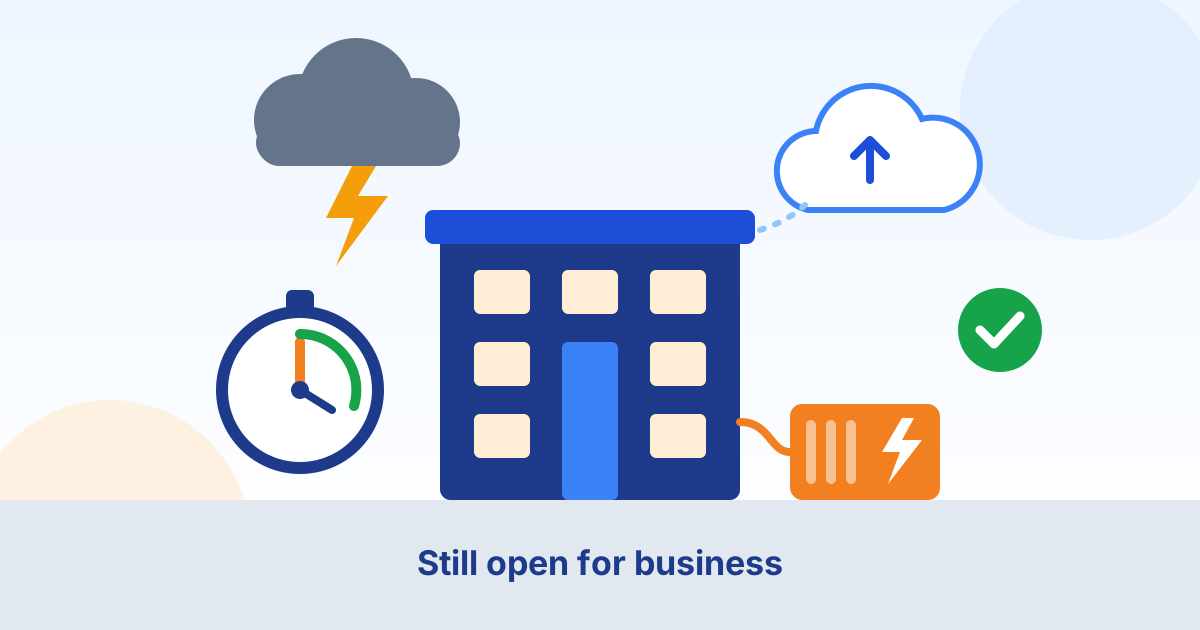 Policy templateBusiness Continuity PolicyKeep the business running through storms, outages, fires and cyberattacks: critical functions, recovery targets in plain words, a call tree and an annual tabletop test.
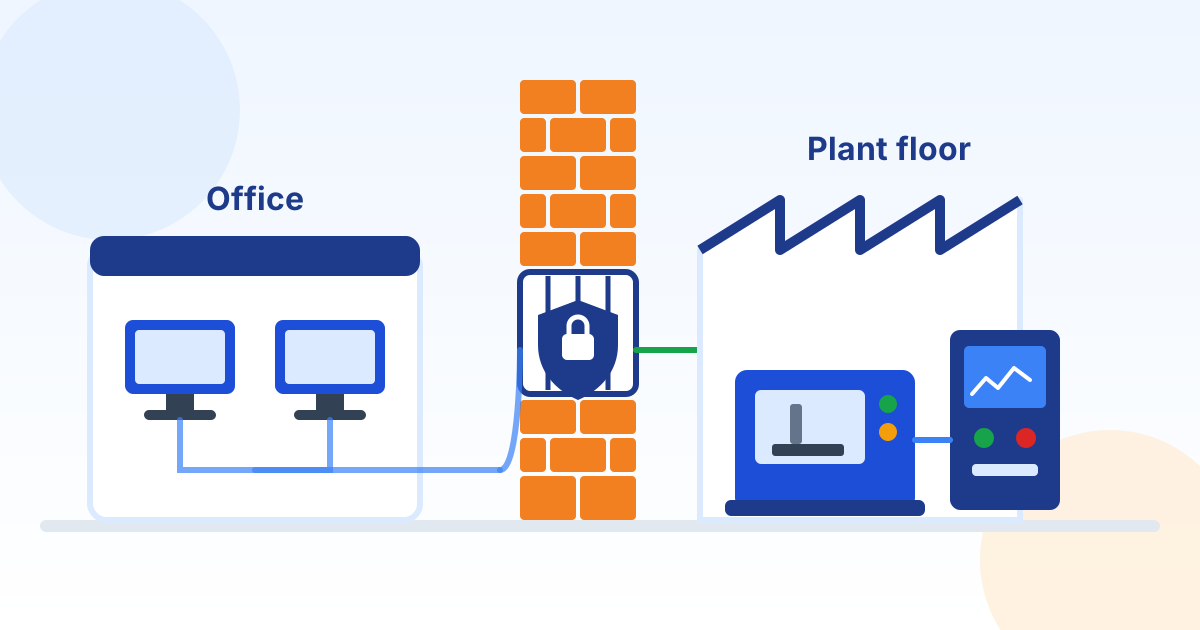 Policy templateOT and Plant Floor Security PolicyProtect the machines, PLCs, HMIs and plant PCs that run production: an equipment list, a wall between office and plant networks, safe vendor access, USB rules, backups of machine programs and a plan for machines you cannot patch.
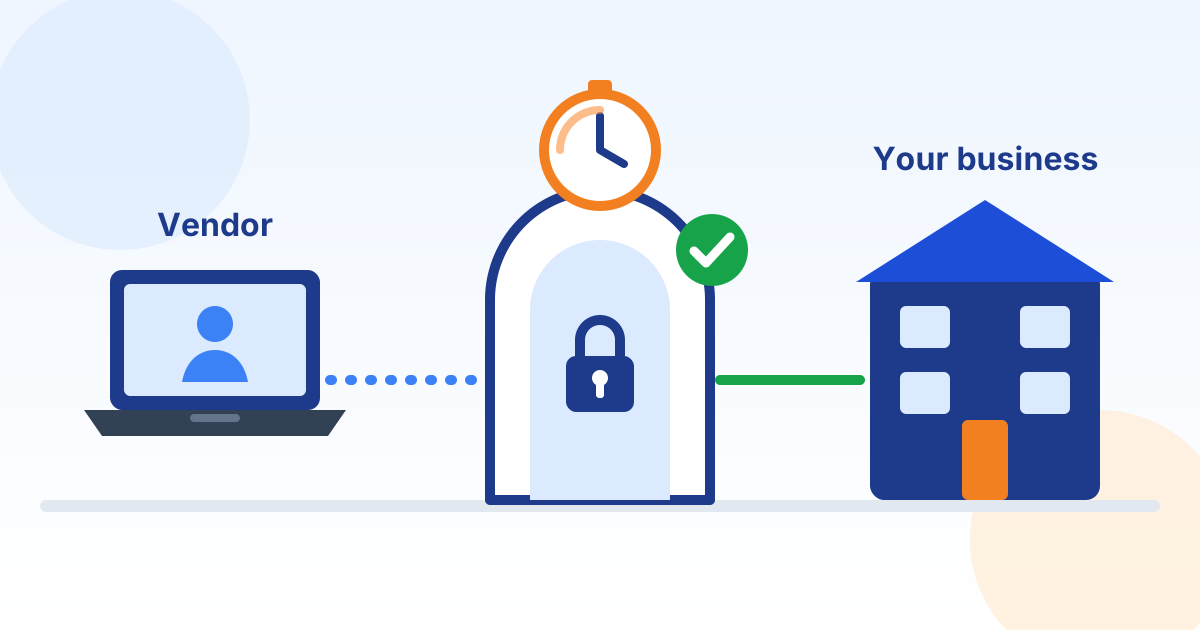 Policy templateVendor Remote Access PolicyControl how vendors, machine builders, software suppliers and IT providers connect in: approved tools only, a named account and MFA for every technician, access switched on per session, logged sessions and quick removal.
 Policy templateBreach Notification ProcedureDecide with your breach counsel whether an incident legally requires notice, then notify the right people with the right content: North Carolina rules by default, with HIPAA, FTC, DFARS and multistate steps when they apply.
 Policy templateIncident Report FormThe forms to fill in during a cyber incident: an initial report, triage sheet, timestamped log, evidence and chain of custody register, decision log, notification tracker, cost tracker and closure summary.
 Policy templateTabletop Exercise PlanRehearse your incident response plan in a two-hour guided discussion: ready-made ransomware, wire fraud and account takeover scenarios with timed injects, a scoring sheet and an after-action report.
Checklists
Reports
Reference
Reading list
The articles from our blog that go deeper on this topic, picked and grouped so you can read them in order.
Understand the threat
Prevent it and protect your backups
Respond and recover
Frequently asked questions
Can we get our files back without paying the ransom?
Yes, if you have a clean backup the criminals could not reach and it restores correctly. That is why the FBI recommends off-site or offline backups that are encrypted and immutable, with regular restoration (FBI IC3 2025 report). Paying does not guarantee you get any data back (FBI).
Is it illegal for a North Carolina business to pay a ransom?
North Carolina's payment ban covers only State agencies and local governments (N.C. Gen. Stat. 143-800). But paying a group under U.S. sanctions can violate federal law, even unknowingly (OFAC advisory), so never pay without your attorney, your insurer and law enforcement involved.
Do we have to report a ransomware attack?
The FBI asks victims to file a report at ic3.gov (FBI), and OFAC treats a prompt report to law enforcement as a significant mitigating factor if a payment question comes up (OFAC advisory). Separately, if personal information was taken, North Carolina law may require notice to affected residents and the Attorney General (N.C. Gen. Stat. 75-65). Contracts and industry rules can add their own deadlines, so check yours with your attorney.
Are backups enough to protect us from ransomware?
No. Backups get your systems running again, but criminals often also steal data and threaten to publish it (CISA #StopRansomware Guide). You still need the controls that keep criminals out, such as multi-factor authentication, monitored endpoint protection and fast patching.
Is regular antivirus enough to stop ransomware?
Not on its own. Endpoint detection and response watches for attacker behavior on each computer and can isolate a machine, and the FBI calls EDR tools particularly useful for detecting attackers moving between computers (FBI IC3 2025 report). It only helps if someone acts on its alerts, day or night.
Which ransomware gangs were reported most in 2025?
Akira, Qilin and INC (also tracked as Lynx and Sinobi) were the three ransomware variants reported most often to the FBI in 2025 (FBI IC3 2025 report). New names keep appearing: the FBI identified 63 new ransomware variants in 2025 (FBI IC3 2025 report). The controls in this guide do not depend on which gang it is.
How can Preferred Data help with ransomware?
We set up and run the controls in this guide for businesses: multi-factor authentication, monitored endpoint protection, patching and tested backups, through our cybersecurity, backup and managed IT services. Call (336) 886-3282 to talk it through.
Sources
- Verizon: 2026 Data Breach Investigations Report (PDF)
- FBI IC3: 2025 Internet Crime Report (PDF)
- FBI IC3: Ransomware
- CISA and partners: #StopRansomware Guide
- CISA, FBI and partners: #StopRansomware: Akira Ransomware (AA24-109A, updated November 13, 2025)
- CISA: Report a cyber incident
- U.S. Treasury OFAC: Updated Advisory on Potential Sanctions Risks for Facilitating Ransomware Payments (September 21, 2021, PDF)
- FTC: Cyber insurance (small business guidance)
- FTC: Data Breach Response, A Guide for Business
- Coalition: 2026 Cyber Claims Report announcement (March 5, 2026)
- N.C. Gen. Stat. 75-61, Definitions
- N.C. Gen. Stat. 75-65, Protection from security breaches
- N.C. Gen. Stat. 143-800, State entities and ransomware payments
How Preferred Data can help
Want to know how exposed you are to ransomware?
A Preferred Data engineer will review your logins, backups, patching and endpoint protection with you and give you a short, plain-English list of what to fix first.
Preferred Data Corporation, in business since 1987 and headquartered in High Point, NC. 1208 Eastchester Drive, Suite 131, High Point, NC 27265