
Free reference
IT and Cybersecurity Glossary for Business Owners
Short, plain-English definitions of the IT, security, compliance and AI terms that show up in vendor quotes, insurance applications and customer contracts. Written by Preferred Data Corporation, a High Point, North Carolina IT company serving businesses since 1987.
Which terms should I learn first?
Start with these 12. They cover the most common ways small businesses are attacked, the protections that stop those attacks, and the rules customers and regulators ask about.
Browse all 93 terms from A to Z
Each definition starts with one sentence you can quote, followed by why it matters to a small business. Where a term is a law or a standard, the official source is linked under it.
93 terms. Type to narrow the list.
- Backup and recovery3-2-1 backup rule
The 3-2-1 backup rule means keeping 3 copies of important data (the original plus 2 backups), on 2 different types of storage, with 1 copy kept offsite. It protects you from a single fire, theft, hardware failure or cyberattack wiping out everything.
- AIAI acceptable use policy
An AI acceptable use policy is a short company rulebook for using AI tools at work: which tools are approved, what data must never be entered and who checks AI output. It turns shadow AI into managed AI.
- AIAI hallucination
Also called: Confabulation
An AI hallucination is a confident-sounding answer from an AI tool that is wrong or made up, such as a fake citation or an invented number. NIST calls this confabulation.
Why it matters: Have a person check AI output before it reaches a customer, a contract or a filing.
- Backup and recoveryAir-gapped backup
Also called: Offline backup
An air-gapped backup is a copy kept disconnected from your network, so an attacker who gets into your systems cannot reach it. CISA recommends keeping offline, encrypted backups and testing them regularly.
Source: CISA: #StopRansomware Guide
- EmailBIMI
Also called: Brand Indicators for Message Identification
BIMI (Brand Indicators for Message Identification) lets your company logo appear next to your emails in inboxes that support it. It only works once your DMARC policy is set to quarantine or reject, and Gmail and Apple also require a Verified Mark Certificate.
Source: BIMI Group: FAQs for senders
- Running ITBreak-fix IT
Break-fix IT is the pay-as-you-go model of support: you call a technician when something breaks and pay for the hours to fix it. Nobody is monitoring or maintaining your systems between calls.
Why it matters: It can look cheaper month to month, but nothing is watching for problems before they turn into downtime.
- Backup and recoveryBusiness continuity
Also called: Business continuity plan (BCP)
Business continuity is the plan for keeping the whole business running during and after a disruption, not just the computers. It covers people, buildings, suppliers and manual workarounds, with disaster recovery as the IT piece.
Source: NIST Computer Security Resource Center glossary: business continuity plan
- SecurityBusiness email compromise (BEC)
Also called: Invoice fraud, Payment redirection fraud
Business email compromise (BEC) is a scam where a criminal uses a hacked or look-alike email account to trick an employee into sending money or sensitive data. A common version is a fake request from a vendor to change the bank account you pay.
Why it matters: The FBI Internet Crime Complaint Center recorded about $3.0 billion in reported BEC losses in 2025.
Source: FBI Internet Crime Complaint Center: 2025 Internet Crime Report
- ComplianceC3PAO
Also called: CMMC Third-Party Assessment Organization
A C3PAO (CMMC Third-Party Assessment Organization) is a firm authorized by the CMMC Accreditation Body, known as The Cyber AB, to perform official CMMC Level 2 certification assessments. If your contract requires Level 2 certification, a C3PAO, not your IT provider, does the assessment.
- Microsoft 365 and cloudConditional Access
Conditional Access is a Microsoft Entra ID feature that checks conditions, such as who is signing in, from where and on what device, before it allows access. A common rule is to require multi-factor authentication for every sign-in and block sign-ins from countries where you have no staff.
Why it matters: It requires Microsoft Entra ID P1 licensing, which Microsoft 365 Business Premium includes.
Source: Microsoft Learn: Microsoft Entra Conditional Access overview
- ComplianceControlled unclassified information (CUI)
Controlled unclassified information (CUI) is government information that is not classified but that a law, regulation or government-wide policy says must be protected. Defense contractors that handle it are generally expected to meet NIST SP 800-171 and, under CMMC, Level 2 or higher.
Sources: eCFR: 32 CFR 2002.4, CUI definitions; eCFR: 32 CFR Part 170, CMMC Program
- Customer requirementsCorporate Sustainability Due Diligence Directive (CSDDD)
Also called: CS3D, EU due diligence directive
The Corporate Sustainability Due Diligence Directive (CSDDD), Directive (EU) 2024/1760, is a European Union law requiring very large companies to find and address human rights and environmental harms in their operations and their chains of activities. As amended in 2026, it covers companies with at least 5,000 employees and EUR 1.5 billion in turnover, from July 26, 2029.
Why it matters: A small US supplier is not covered directly, but large European customers may pass due diligence questions down to you.
Sources: European Commission: Corporate sustainability due diligence; EUR-Lex: Directive (EU) 2024/1760
- ComplianceCyber insurance
Also called: Cyber liability insurance
Cyber insurance is a policy that helps pay the costs of a cyberattack or data breach, such as investigation, recovery, legal help and customer notification. Insurers ask about your security controls before writing a policy, so your answers need to match what is really in place.
- ComplianceCybersecurity Maturity Model Certification (CMMC)
The Cybersecurity Maturity Model Certification (CMMC) is the Department of Defense program that checks whether defense contractors protect federal contract information and controlled unclassified information. It has three levels, and each contract states which level is required. The rules are in 32 CFR Part 170.
Why it matters: The first rollout phase began on November 10, 2025, starting with self-assessment requirements in new defense contracts.
Sources: eCFR: 32 CFR Part 170, CMMC Program; Federal Register: DFARS CMMC acquisition rule, effective November 10, 2025
- ComplianceDFARS 252.204-7012
Also called: DFARS 7012, Safeguarding Covered Defense Information and Cyber Incident Reporting
DFARS 252.204-7012 is a defense contract clause that requires contractors to protect covered defense information using NIST SP 800-171 and to report cyber incidents to the Department of Defense within 72 hours of discovering them.
Why it matters: It also requires keeping images of affected systems for at least 90 days after the report so the Department of Defense can review them.
Source: eCFR: DFARS 252.204-7012
- Backup and recoveryDisaster recovery (DR)
Disaster recovery is the plan and tools for restoring your IT systems and data after a major outage, such as a fire, flood, hardware failure or cyberattack. It covers the backups, the order systems come back and who does what.
Source: NIST Computer Security Resource Center glossary: disaster recovery plan
- EmailDMARC
Also called: Domain-based Message Authentication, Reporting and Conformance
DMARC is a DNS record that tells receiving mail systems what to do with email that claims to be from your domain but fails SPF and DKIM checks: deliver it, send it to spam or reject it. It also sends you reports on who is sending email in your name.
Why it matters: DMARC was updated in May 2026 by RFC 9989, and existing records that start with v=DMARC1 still work.
Source: RFC 9989: Domain-Based Message Authentication, Reporting, and Conformance (DMARC)
- EmailDomainKeys Identified Mail (DKIM)
DomainKeys Identified Mail (DKIM) adds a digital signature to the email your domain sends. The receiving system uses it to confirm the message really came from your domain and was not changed on the way.
- SecurityDouble extortion
Double extortion is a ransomware tactic where criminals both lock your files and steal a copy, then threaten to publish the stolen data unless you pay. Good backups get your files back but do not remove the leak threat.
Source: CISA: #StopRansomware Guide
- Customer requirementsEcoVadis
EcoVadis is a company that rates businesses on sustainability, scoring them from 0 to 100 across four themes: environment, labor and human rights, ethics, and sustainable procurement. Some large customers ask their suppliers to complete an EcoVadis assessment.
Source: EcoVadis: Ratings
- EmailEmail spoofing
Also called: Spoofed email
Email spoofing is forging the sender address so a message looks like it came from someone else, such as your owner or a trusted vendor. SPF, DKIM and DMARC make it much harder for criminals to spoof your exact domain.
Source: NIST Computer Security Resource Center glossary: spoofing
- SecurityEncryption
Encryption scrambles data so only someone with the right key can read it. It protects data stored on laptops and servers, called data at rest, and data moving across the internet, called data in transit.
Source: NIST Computer Security Resource Center glossary: encryption
- Running ITEnd of life (EOL)
Also called: End of support
End of life means the maker has stopped releasing fixes, including security updates, for a product. The product still works, but every new security hole found in it stays open. For example, Windows 10 reached end of support on October 14, 2025.
Why it matters: Budget for replacements before the end-of-life date, not after an attacker finds the gap.
- Running ITEndpoint
An endpoint is any device that connects to your network and does work, such as a laptop, desktop, server, phone or tablet. Each one is a door an attacker can try, so each needs updates and security software.
- SecurityEndpoint detection and response (EDR)
Endpoint detection and response (EDR) is security software that watches activity on each computer and server for signs of an attack and can stop it. Unlike older antivirus that looks for known bad files, EDR also flags suspicious behavior, such as a program suddenly scrambling many files.
Why it matters: EDR is only as good as the people who answer its alerts, which is why it is often paired with MDR.
- SecurityExtended detection and response (XDR)
Extended detection and response (XDR) pulls security signals from many places, such as computers, email, user accounts and the network, into one view. Connecting those signals helps spot an attack that looks harmless in any single place.
- ComplianceFederal contract information (FCI)
Federal contract information (FCI) is information, not meant for the public, that the government provides or that is created for the government under a contract. It excludes public information and simple payment details, and protecting it takes the 15 basic safeguards in FAR 52.204-21, which is CMMC Level 1.
Sources: eCFR: FAR 52.204-21, Basic Safeguarding of Covered Contractor Information Systems; eCFR: 32 CFR Part 170, CMMC Program
- SecurityFirewall
A firewall is a device or software that controls which traffic can pass between networks, such as between your office and the internet, based on rules you set. It blocks connections the rules do not allow.
Source: NIST Computer Security Resource Center glossary: firewall
- ComplianceFTC Safeguards Rule
Also called: 16 CFR Part 314, GLBA Safeguards Rule
The FTC Safeguards Rule (16 CFR Part 314) requires non-bank financial businesses under the Federal Trade Commission, such as tax preparers, mortgage brokers and finance companies, to keep a written information security program that protects customer information. Required safeguards include multi-factor authentication.
Why it matters: A covered business must notify the FTC within 30 days of discovering a breach of unencrypted information about at least 500 consumers.
Sources: eCFR: 16 CFR Part 314, Standards for Safeguarding Customer Information; FTC: FTC Safeguards Rule, What Your Business Needs to Know
- AIGenerative AI
Also called: GenAI
Generative AI is software that creates new text, images, audio or computer code in response to a plain-language request, called a prompt. ChatGPT, Microsoft Copilot and Google Gemini are common examples.
- ComplianceGramm-Leach-Bliley Act (GLBA)
The Gramm-Leach-Bliley Act (GLBA) is a federal law that requires financial institutions, meaning companies that offer consumers loans, financial or investment advice, or insurance, to explain how they share customer information and to protect it. The FTC Safeguards Rule is one of the rules that carries it out.
Source: FTC: Gramm-Leach-Bliley Act
- Running ITHelp desk tiers
Also called: Tier 1, Tier 2 and Tier 3 support
Help desk tiers are levels of IT support sorted by how hard the problem is. Tier 1 handles everyday requests like password resets, Tier 2 takes deeper problems, and Tier 3 is senior engineers or the software maker for the hardest issues.
Why it matters: Ask a provider how quickly a hard problem reaches someone who can actually fix it.
- ComplianceHIPAA
Also called: Health Insurance Portability and Accountability Act, HIPAA Security Rule
HIPAA (the Health Insurance Portability and Accountability Act) is the federal law that protects patients' health information. Its Security Rule requires health plans, most health care providers, clearinghouses and their business associates to use administrative, physical and technical safeguards for electronic health information.
Why it matters: A vendor that handles your patients' electronic health information, including an IT provider, can be a business associate under HIPAA.
- Backup and recoveryImmutable backup
An immutable backup is a backup copy that cannot be changed or deleted for a set period, even by an administrator account. That protects it from ransomware, which often tries to find and delete backups before it locks your files.
Source: CISA: #StopRansomware Guide
- SecurityIncident response plan
Also called: IR plan
An incident response plan is a written playbook for what your business does when a cyberattack or data breach happens. It says who to call, what to shut down, how to keep evidence and who must be notified.
Why it matters: Practicing the plan before an incident saves hours when every hour counts.
- Running ITIT asset inventory
An IT asset inventory is a complete, current list of the hardware, software, user accounts and cloud services your business owns or uses. You cannot protect, update or budget for something you do not know you have.
- Buying a businessIT due diligence
Also called: Technology due diligence
IT due diligence is a review of a company's technology before you buy, merge with or invest in it. It looks at systems, security, software licenses, contracts, staff and hidden costs, so surprises show up before closing instead of after.
- Running ITIT offboarding
Also called: Employee offboarding
IT offboarding is the set of steps that removes a departing employee's access to email, apps, devices and company data, ideally on their last day. A forgotten account is an open door for a former employee or an attacker.
- AILarge language model (LLM)
A large language model (LLM) is the kind of AI behind chat tools like ChatGPT. It learned patterns from huge amounts of text, so it can write and answer questions, but it predicts likely words rather than looking up checked facts.
- SecurityLeast privilege
Least privilege means giving each person and program only the access they need to do their job, and nothing more. If an account is hacked, the damage is limited to what that account could reach.
Source: NIST Computer Security Resource Center glossary: least privilege
- EmailLookalike domain
Also called: Typosquatting, Cousin domain
A lookalike domain is a web or email address spelled almost like a real one, such as a zero in place of the letter O, to fool people at a glance. Criminals register them to send convincing fake invoices and payment requests.
- SecurityMalware
Also called: Malicious software, Virus
Malware is any software built to harm a computer, steal data or give a criminal control. Viruses, spyware and ransomware are all types of malware.
Source: NIST Computer Security Resource Center glossary: malware
- SecurityManaged detection and response (MDR)
Managed detection and response (MDR) is a service where security analysts watch your alerts and respond to threats for you, around the clock. You get the tools and the people, so an alert at 2 a.m. gets handled instead of waiting until Monday.
- Running ITManaged security service provider (MSSP)
A managed security service provider (MSSP) is an outside company that focuses on watching for and defending against cyberattacks on your systems. Many run a security operations center that reviews alerts around the clock.
Why it matters: Some MSPs also provide MSSP services, so ask exactly which security work is included in the monthly fee.
- Running ITManaged service provider (MSP)
Also called: Managed IT provider, Outsourced IT
A managed service provider (MSP) is an outside company that runs and supports your IT for a set monthly fee. Instead of waiting for something to break, the MSP monitors, updates and secures your computers, network and accounts every day.
Why it matters: It gives a small business a whole team of IT skills without hiring each role in-house.
- Microsoft 365 and cloudMicrosoft 365 tenant
Also called: Microsoft Entra tenant, Office 365 tenant
A Microsoft 365 tenant is your organization's own private space in Microsoft's cloud, holding your user accounts, groups and settings. Your Microsoft 365 subscriptions, licenses, email and files all connect to it.
Source: Microsoft Learn: Subscriptions, licenses, accounts and tenants
- Microsoft 365 and cloudMicrosoft Entra ID
Also called: Azure Active Directory, Azure AD
Microsoft Entra ID is Microsoft's cloud service for user sign-ins and access, and it controls who can log in to Microsoft 365 and other connected apps. It was called Azure Active Directory until Microsoft renamed it in 2023.
Source: Microsoft Learn: New name for Azure Active Directory
- Microsoft 365 and cloudMicrosoft Intune
Microsoft Intune is Microsoft's cloud service for managing and securing company laptops, phones and apps. IT can push settings and updates, protect work apps on personal phones and wipe a lost or stolen device remotely.
- Microsoft 365 and cloudMobile device management (MDM)
Mobile device management (MDM) is software that lets IT set up, secure and keep track of company phones, tablets and laptops from one place. With MDM, a lost or stolen device can be wiped remotely.
- EmailMTA-STS
Also called: SMTP MTA Strict Transport Security
MTA-STS is a setting that tells other mail servers they must use an encrypted, verified connection when delivering email to your domain. It helps stop attackers from reading or redirecting your incoming mail along the way.
Source: RFC 8461: SMTP MTA Strict Transport Security (MTA-STS)
- SecurityMulti-factor authentication (MFA)
Also called: Two-factor authentication, 2FA
Multi-factor authentication (MFA) is a sign-in that needs two or more different kinds of proof, such as a password plus a code or prompt on your phone. Even if a criminal steals the password, they still cannot get in without the second factor.
Why it matters: MFA on email, banking and remote access is one of the cheapest strong protections a small business can add.
Source: NIST Computer Security Resource Center glossary: multi-factor authentication
- SecurityNetwork segmentation
Network segmentation splits one network into separate zones so a problem in one zone cannot easily spread to the others. For example, guest Wi-Fi, office computers and factory machines can each get their own zone.
- AINIST AI Risk Management Framework (AI RMF)
The NIST AI Risk Management Framework (AI RMF) is a free, voluntary guide from the National Institute of Standards and Technology for managing the risks of building and using AI. Version 1.0 came out on January 26, 2023 and is organized into four functions: Govern, Map, Measure and Manage.
- ComplianceNIST Cybersecurity Framework (CSF)
Also called: NIST CSF 2.0
The NIST Cybersecurity Framework (CSF) is a free, voluntary guide from the National Institute of Standards and Technology for managing cybersecurity risk in any size organization. Version 2.0, published February 26, 2024, groups the work into six functions: Govern, Identify, Protect, Detect, Respond and Recover.
Source: NIST CSWP 29: The NIST Cybersecurity Framework (CSF) 2.0
- ComplianceNIST SP 800-171
NIST SP 800-171 is a federal standard that lists the security requirements for protecting controlled unclassified information on a company's own systems. CMMC Level 2 uses the 110 requirements in Revision 2, even though NIST published Revision 3 in May 2024.
Sources: eCFR: 32 CFR Part 170, CMMC Program; NIST SP 800-171 Rev. 3
- SecurityOperational technology (OT)
Also called: OT vs IT, Industrial control systems
Operational technology (OT) is the computers and controllers that run physical equipment, such as production lines, building systems and machine controls. Information technology (IT) handles data and office work, while OT makes physical things move, so an OT outage can stop production or create safety risks.
Source: NIST Computer Security Resource Center glossary: operational technology
- SecurityPasskey
A passkey is a password replacement that signs you in with the fingerprint, face or PIN check already on your phone or computer. Because there is no password to type, a fake login page has nothing to steal.
- SecurityPassword manager
A password manager is an app that creates, stores and fills in a strong, different password for every account. You remember one master password, protected with multi-factor authentication, instead of dozens.
- Running ITPatch management
Also called: Patching, Software updates
Patch management is the routine of finding, testing and installing software updates, called patches, that fix bugs and security holes. It covers operating systems like Windows, everyday apps and the built-in software of devices such as firewalls.
Why it matters: Attackers often use security holes that already have a fix, so slow patching leaves a door open.
Source: NIST Computer Security Resource Center glossary: patch management
- CompliancePCI DSS
Also called: Payment Card Industry Data Security Standard
PCI DSS (the Payment Card Industry Data Security Standard) is the security standard for every business that stores, processes or sends payment card data. It is set by the PCI Security Standards Council, and version 4.0.1 became the only active version at the end of 2024.
Source: PCI Security Standards Council: Just Published, PCI DSS v4.0.1
- SecurityPenetration test
Also called: Pen test, Ethical hacking
A penetration test is a hired, authorized attempt to break into your systems the way a real attacker would, to find weak spots before criminals do. You get a report showing what the testers reached and how to fix it.
Source: NIST Computer Security Resource Center glossary: penetration testing
- SecurityPhishing
Also called: Spear phishing, Smishing
Phishing is a fake email, text or website that pretends to come from someone you trust so you will click a link, open a file or hand over a password or payment. Warning signs include urgency, an odd sender address and a request to skip normal steps.
Source: NIST Computer Security Resource Center glossary: phishing
- CompliancePlan of action and milestones (POA&M)
A plan of action and milestones (POA&M) is a written list of the security gaps you have not closed yet, with the steps, resources and target dates to fix each one. CMMC allows POA&Ms only in limited cases and not at all for Level 1.
- SecurityPrivileged access
Also called: Admin accounts, Privileged access management (PAM)
Privileged access is administrator-level access that can change settings, install software, create users or reach all of your data. Because these accounts can do the most damage, they need extra protection such as separate admin logins, multi-factor authentication and close monitoring.
Source: NIST Computer Security Resource Center glossary: privileged account
- AIPrompt injection
Prompt injection is an attack that slips instructions into what an AI tool reads, such as an email, document or web page, to make it ignore its rules or leak data. OWASP ranks it the number one security risk for applications built on large language models.
Source: OWASP GenAI Security Project: LLM01:2025 Prompt Injection
- SecurityRansomware
Ransomware is malicious software that locks or scrambles your files and systems, then demands payment for the key to unlock them. Attackers often steal copies of your data first, too.
Source: CISA: #StopRansomware Guide
- Backup and recoveryRecovery point objective (RPO)
Recovery point objective (RPO) is the most data, measured in time, your business can afford to lose after an outage. An RPO of four hours means backups must run at least every four hours.
Source: NIST Computer Security Resource Center glossary: recovery point objective
- Backup and recoveryRecovery time objective (RTO)
Recovery time objective (RTO) is how long a system can be down before the outage seriously hurts your business. It sets how fast your recovery plan has to get things running again.
Source: NIST Computer Security Resource Center glossary: recovery time objective
- Running ITRemote monitoring and management (RMM)
Remote monitoring and management (RMM) is software an IT provider installs on your computers and servers to watch their health and fix them from a distance. It can install updates, warn about problems like a full disk and run repairs without an office visit.
Why it matters: Because an RMM tool can reach every machine you own, the provider must lock down who can use it, including with multi-factor authentication.
- Customer requirementsResponsible Business Alliance (RBA)
Also called: RBA Code of Conduct
The Responsible Business Alliance (RBA) is an industry group, started by electronics companies in 2004, whose Code of Conduct sets supply chain standards for labor, health and safety, environment and ethics. Its members include electronics, retail, auto and toy companies.
Why it matters: If you sell to an RBA member, expect questions about how your own operations meet the Code.
Sources: Responsible Business Alliance: About the RBA; Responsible Business Alliance: Code of Conduct v8.0
- SecuritySecurity awareness training
Security awareness training teaches employees to spot and report scams such as phishing emails and fake payment requests. Most programs pair short lessons with practice phishing emails that show who needs more coaching.
- SecuritySecurity information and event management (SIEM)
Security information and event management (SIEM) is a system that collects activity logs from computers, servers, firewalls and cloud apps in one place and looks for warning signs across them. It helps investigators work out what happened and when.
Source: NIST Computer Security Resource Center glossary: security information and event management
- SecuritySecurity operations center (SOC)
A security operations center (SOC) is a team, and the tools it uses, that monitors an organization's systems for attacks and responds to them. Most small businesses use an outsourced SOC through an MSSP or MDR provider instead of building their own.
- EmailSender Policy Framework (SPF)
Sender Policy Framework (SPF) is a public DNS record that lists which mail servers are allowed to send email for your domain. Receiving mail systems check it to help spot forged messages.
- Running ITService level agreement (SLA)
A service level agreement (SLA) is the part of a contract that spells out how fast and how well a provider must respond. It usually sets response and fix times for problems of different urgency, and what happens if the provider misses them.
Why it matters: The SLA, not the sales pitch, is what the provider has actually promised, so read it before you sign.
- AIShadow AI
Shadow AI is employees using AI tools for work that the company has not approved or does not know about, such as pasting customer data into a free chatbot. It is the AI version of shadow IT.
- Running ITShadow IT
Shadow IT is any app, device or online service employees use for work without IT knowing about it or approving it. Common examples are personal file-sharing accounts and free online tools that end up holding company data.
SharePoint is the Microsoft 365 service for storing, sharing and organizing company files and team sites in the cloud. Files stored in Microsoft Teams are kept in SharePoint sites.
Source: Microsoft Learn: Introduction to SharePoint and OneDrive
- Microsoft 365 and cloudSingle sign-on (SSO)
Single sign-on (SSO) lets employees use one company login to reach many apps instead of a separate password for each. It also gives IT one place to turn off all of a person's access when they leave.
- ComplianceSOC 2 report
Also called: SOC 2 Type 2
A SOC 2 report is an independent auditor's report on how well a service provider's controls protect the systems and data it handles, using criteria from the American Institute of CPAs (AICPA). It covers security and can also cover availability, processing integrity, confidentiality and privacy.
Why it matters: Ask vendors that hold your data for their SOC 2 report and read the exceptions section.
Social engineering is tricking a person, rather than hacking a computer, into giving up information or access. Examples include phishing emails, phone calls pretending to be IT support and fake vendors asking to change payment details.
Source: NIST Computer Security Resource Center glossary: social engineering
- Running ITSoftware as a service (SaaS)
Also called: Cloud software
Software as a service (SaaS) is software you rent and use over the internet instead of installing and running it on your own servers. Microsoft 365 is a common example.
- ComplianceSupplier Performance Risk System (SPRS)
The Supplier Performance Risk System (SPRS) is the Department of Defense website where contractors post the summary score of their NIST SP 800-171 assessment. To be considered for a contract that requires NIST SP 800-171, a bidder needs a current score, no more than three years old.
Why it matters: The top score is 110, and every unmet requirement subtracts points, so a score can go below zero.
Sources: eCFR: DFARS 252.204-7019; eCFR: 32 CFR Part 170, CMMC Program
- ComplianceSystem security plan (SSP)
A system security plan (SSP) is the document that describes your systems, where sensitive data lives and how you meet each security requirement, including controls still being planned. CMMC and NIST SP 800-171 assessments start from it.
- Buying a businessTechnical debt
Technical debt is the future cost of shortcuts and put-off upgrades in a company's technology, such as aging servers, unsupported software or custom code nobody documented. In an acquisition, it often turns into spending the buyer has to make soon after closing.
- Buying a businessTransition services agreement (TSA)
A transition services agreement (TSA) is a contract in which the seller keeps providing certain services, such as IT systems, email or payroll, to the business it sold for a set time after closing. It gives the buyer time to move those services over.
- Running ITVirtual CIO (vCIO)
Also called: Fractional CIO, Virtual chief information officer
A virtual CIO (vCIO) is an outside IT advisor who plans your technology strategy and budget on a part-time basis. The vCIO meets with leadership to set priorities, plan replacements and tie IT spending to business goals.
- SecurityVirtual private network (VPN)
A virtual private network (VPN) creates a private, encrypted connection between a device and your office network over the internet. It lets remote staff reach office systems without exposing those systems openly online.
Source: NIST Computer Security Resource Center glossary: virtual private network
- SecurityVulnerability
A vulnerability is a weakness in software, hardware or a process that an attacker could use to break in or cause harm. Most are fixed by installing a patch or changing a setting.
Source: NIST Computer Security Resource Center glossary: vulnerability
- SecurityVulnerability scan
A vulnerability scan is an automated check of your computers, servers and network for known weaknesses, such as missing updates or risky settings. It is faster and cheaper than a penetration test, but it does not try to break in.
Source: NIST Computer Security Resource Center glossary: vulnerability scanning
- ComplianceWritten information security program (WISP)
A written information security program (WISP) is the document that explains how your business protects sensitive information: who is in charge, what risks you found, which safeguards you use and how you respond to incidents. The FTC Safeguards Rule requires covered financial businesses to have one in writing.
Source: FTC: FTC Safeguards Rule, What Your Business Needs to Know
- SecurityZero trust
Zero trust is a security approach that never assumes a person or device is safe just because it is inside your network. Every request to reach data is checked based on who is asking, from what device and whether they need it.
Sources: NIST Computer Security Resource Center glossary: zero trust; NIST SP 800-207, Zero Trust Architecture
- SecurityZero-day
Also called: Zero-day vulnerability, Zero-day attack
A zero-day is a security hole that attackers find and use before the software maker knows about it or has a fix ready. The name means defenders have had zero days to prepare.
Source: NIST Computer Security Resource Center glossary: zero day attack
Which terms go with which rule?
Most compliance questions come down to a handful of rules, and each one brings its own vocabulary. Use this table to see who a rule covers and which definitions to read first. Whether a rule applies to you is a legal question, so check with your attorney.
| Rule or standard | Who it covers | Terms to know |
|---|---|---|
| CMMC | Defense contractors and subcontractors that handle federal contract information or controlled unclassified information | FCI, CUI, NIST SP 800-171, SPRS, C3PAO |
| DFARS 252.204-7012 | Defense contractors whose contract includes the clause | NIST SP 800-171, incident response plan, SSP, POA&M |
| FTC Safeguards Rule | Non-bank financial businesses under the FTC, such as tax preparers, mortgage brokers and finance companies | WISP, MFA, encryption, GLBA |
| HIPAA Security Rule | Health plans, most health care providers, clearinghouses and their business associates | encryption, least privilege, disaster recovery |
| PCI DSS | Any business that stores, processes or sends payment card data | firewall, network segmentation, vulnerability scan |
| CSDDD | Very large companies doing business in the EU, which may pass questions to their suppliers | EcoVadis, Responsible Business Alliance |
Need help meeting one of these? See our cybersecurity and compliance services.
Glossary questions
What is the difference between EDR, MDR and XDR?
EDR is software on each computer that spots and stops attacks. XDR connects signals from computers, email, accounts and the network into one view. MDR is a service: people who watch those alerts and respond around the clock, which most small businesses need because software alone cannot answer an alert at 2 a.m.
What is the difference between SPF, DKIM and DMARC?
SPF lists which servers may send email for your domain, and DKIM signs each message so it cannot be altered unnoticed. DMARC tells other mail systems what to do when a message fails those checks and sends you reports. You need all three to make spoofing your domain hard, and you can check yours with our email security checker.
Does my business have to follow CMMC, HIPAA or the FTC Safeguards Rule?
It depends on what you do. CMMC applies when a defense contract involves federal contract information or controlled unclassified information, HIPAA applies to health plans, most health care providers and their business associates, and the FTC Safeguards Rule applies to non-bank financial businesses under the FTC. These are legal obligations, so check with your attorney about your situation.
What is the difference between an MSP and an MSSP?
An MSP runs and supports your everyday IT, such as computers, accounts, updates and the help desk. An MSSP focuses on security monitoring and response. Some providers do both, so ask exactly which security services are included and who answers alerts after hours. Our managed IT services page explains what Preferred Data includes.
Can I link to a single definition?
Yes. Every term has its own address made from the page plus the term name, such as /glossary#mfa for multi-factor authentication or /glossary#wisp for a written information security program. Opening that link scrolls straight to the definition.
Sources
- NIST Computer Security Resource Center glossary: patch management
- Microsoft Learn: Windows 10 Home and Pro lifecycle
- NIST Computer Security Resource Center glossary: multi-factor authentication
- NIST Computer Security Resource Center glossary: security information and event management
- NIST Computer Security Resource Center glossary: zero trust
- NIST SP 800-207, Zero Trust Architecture
- NIST Computer Security Resource Center glossary: phishing
- FBI Internet Crime Complaint Center: 2025 Internet Crime Report
- CISA: #StopRansomware Guide
- NIST Computer Security Resource Center glossary: social engineering
- NIST Computer Security Resource Center glossary: malware
- NIST Computer Security Resource Center glossary: least privilege
- NIST Computer Security Resource Center glossary: privileged account
- NIST Computer Security Resource Center glossary: vulnerability
- NIST Computer Security Resource Center glossary: zero day attack
- NIST Computer Security Resource Center glossary: penetration testing
- NIST Computer Security Resource Center glossary: vulnerability scanning
- NIST Computer Security Resource Center glossary: encryption
- NIST Computer Security Resource Center glossary: virtual private network
- NIST Computer Security Resource Center glossary: firewall
- NIST Computer Security Resource Center glossary: operational technology
- RFC 7208: Sender Policy Framework
- RFC 6376: DomainKeys Identified Mail Signatures
- RFC 9989: Domain-Based Message Authentication, Reporting, and Conformance (DMARC)
- BIMI Group: FAQs for senders
- RFC 8461: SMTP MTA Strict Transport Security (MTA-STS)
- NIST Computer Security Resource Center glossary: spoofing
- CISA (US-CERT): Data Backup Options
- NIST Computer Security Resource Center glossary: recovery point objective
- NIST Computer Security Resource Center glossary: recovery time objective
- NIST Computer Security Resource Center glossary: disaster recovery plan
- NIST Computer Security Resource Center glossary: business continuity plan
- eCFR: 32 CFR Part 170, CMMC Program
- Federal Register: DFARS CMMC acquisition rule, effective November 10, 2025
- NIST SP 800-171 Rev. 3
- eCFR: 32 CFR 2002.4, CUI definitions
- eCFR: FAR 52.204-21, Basic Safeguarding of Covered Contractor Information Systems
- eCFR: DFARS 252.204-7019
- eCFR: DFARS 252.204-7012
- eCFR: 16 CFR Part 314, Standards for Safeguarding Customer Information
- FTC: FTC Safeguards Rule, What Your Business Needs to Know
- FTC: Gramm-Leach-Bliley Act
- HHS: Summary of the HIPAA Security Rule
- PCI Security Standards Council: Just Published, PCI DSS v4.0.1
- AICPA and CIMA: SOC suite of services
- NIST CSWP 29: The NIST Cybersecurity Framework (CSF) 2.0
- EcoVadis: Ratings
- Responsible Business Alliance: About the RBA
- Responsible Business Alliance: Code of Conduct v8.0
- European Commission: Corporate sustainability due diligence
- EUR-Lex: Directive (EU) 2024/1760
- NIST AI 600-1, Generative AI Profile
- OWASP GenAI Security Project: LLM01:2025 Prompt Injection
- NIST: AI Risk Management Framework
- Microsoft Learn: Subscriptions, licenses, accounts and tenants
- Microsoft Learn: New name for Azure Active Directory
- Microsoft Learn: Microsoft Entra Conditional Access overview
- Microsoft Learn: What is Microsoft Intune?
- Microsoft Learn: Introduction to SharePoint and OneDrive
Free resources to go deeper
Guides, checklists, tools and templates that put these terms to work.
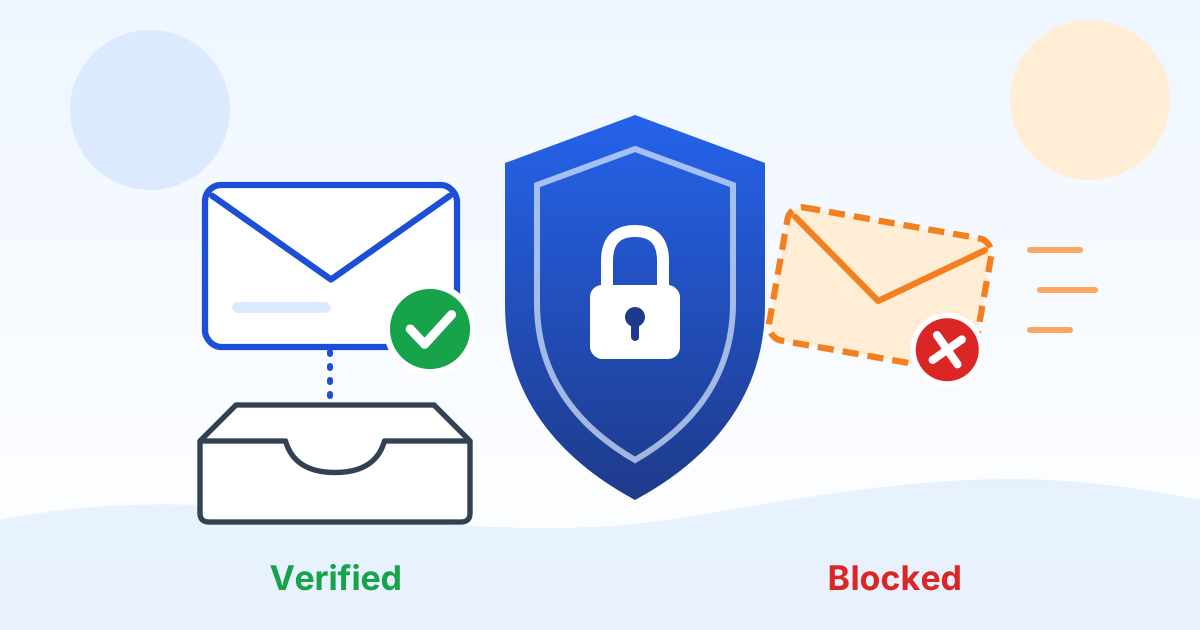 Free toolEmail Domain Security CheckerType your domain to see, in plain English, whether criminals can send email in your name and whether you meet the Google and Yahoo sender rules.
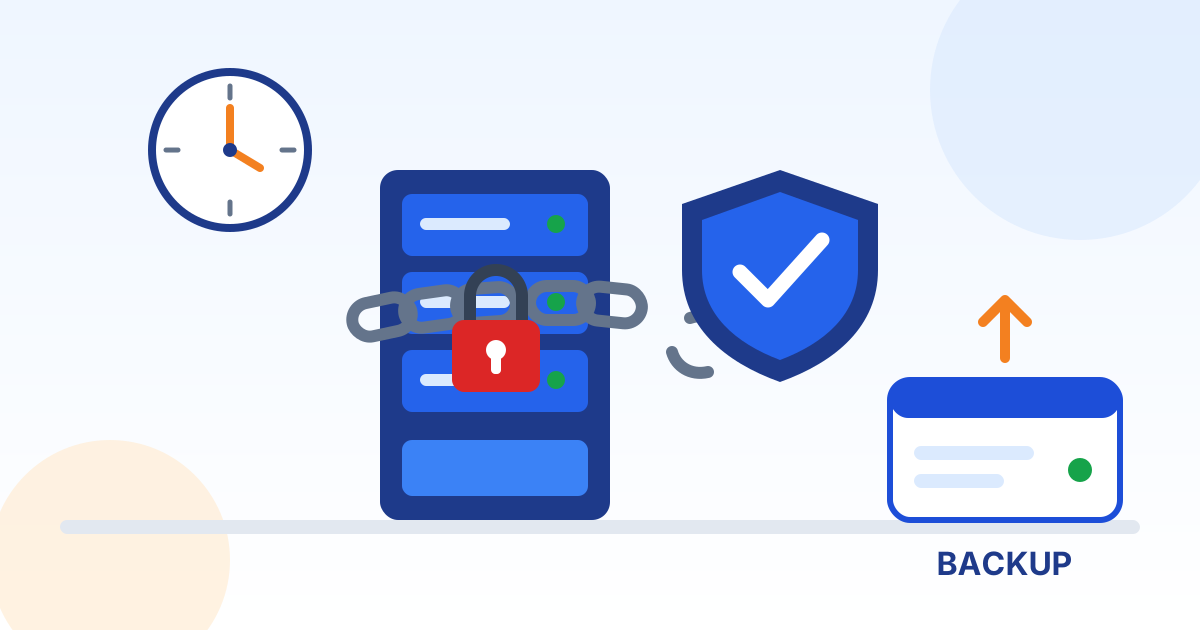 GuideRansomware: How North Carolina Small Businesses Prevent It and RecoverWhat ransomware is, how criminals usually get in, the handful of controls the FBI and CISA recommend, what to do in the first day, and whether to pay.
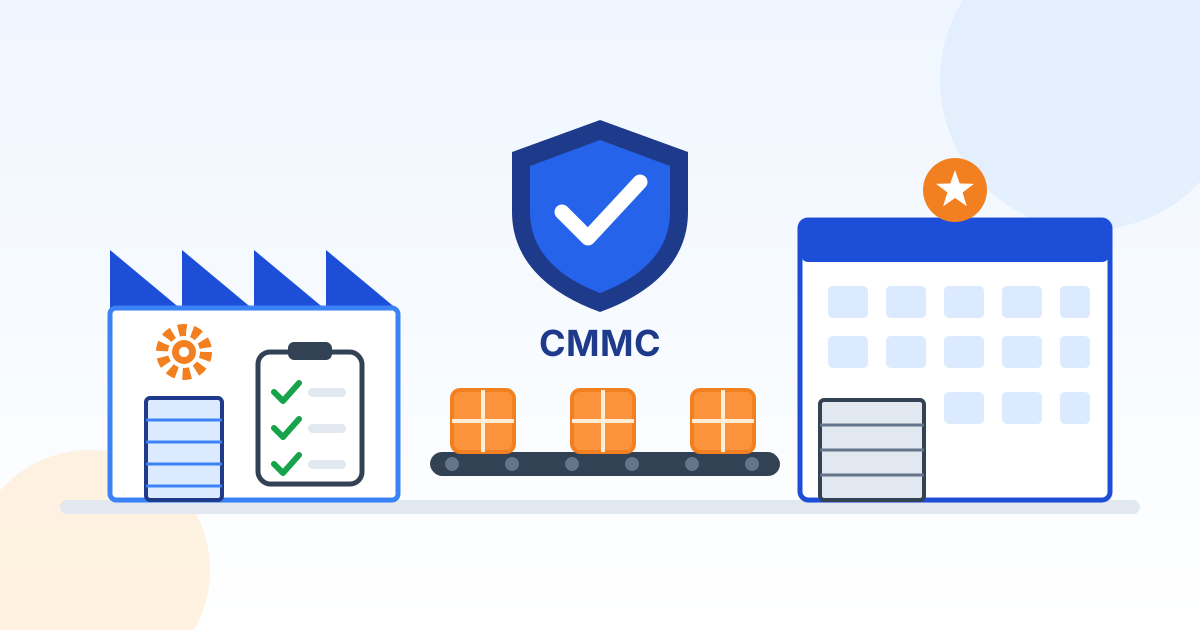 GuideCMMC for North Carolina Defense Suppliers, in Plain EnglishCMMC in plain English for North Carolina defense suppliers and subcontractors: which level applies, what changed in 2026, what an SPRS score means and what to do first.
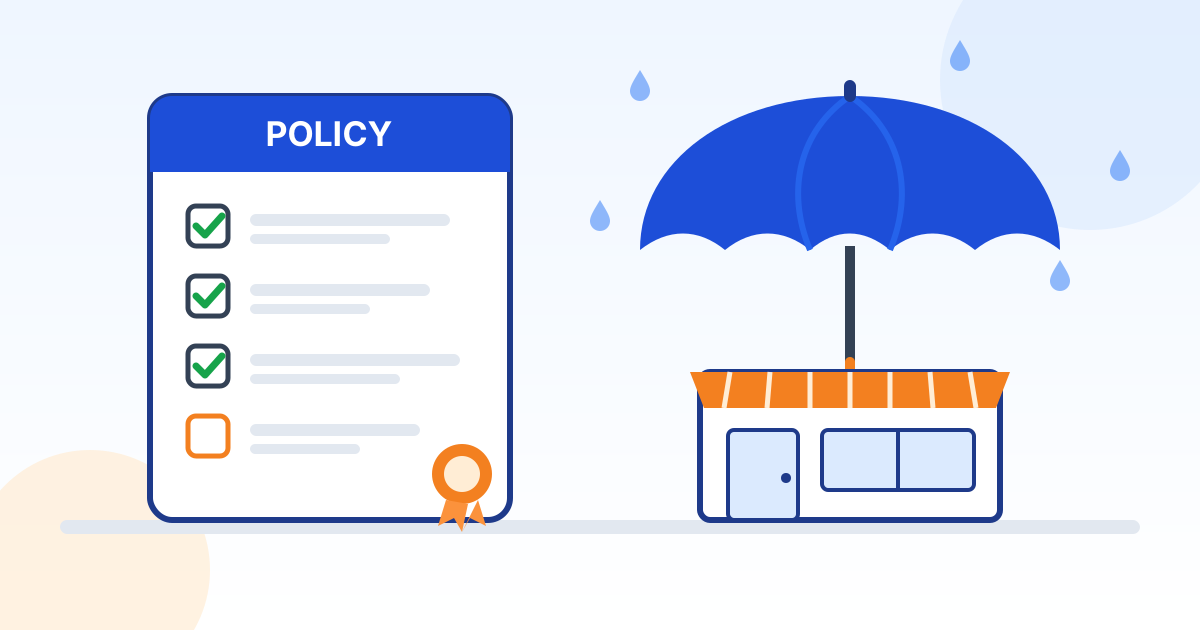 GuideCyber Insurance for Small Businesses: What Insurers Ask and How to QualifyWhat cyber insurance covers, the security controls insurers commonly ask about, why claims get disputed, and how to get ready for your next renewal.
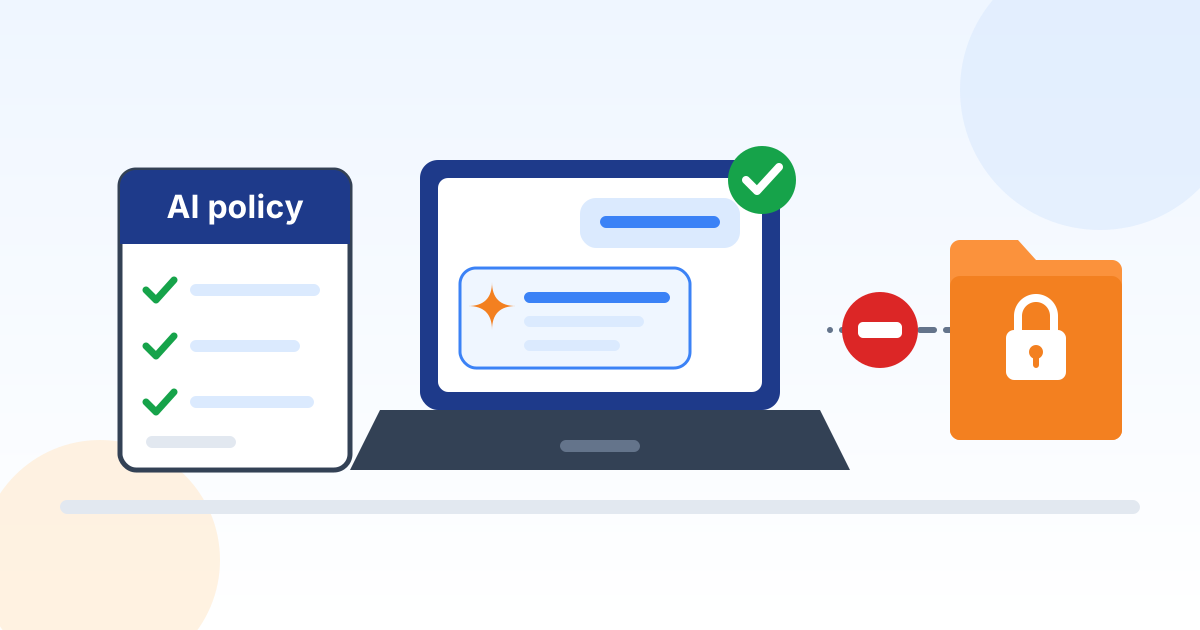 GuideHow to Use AI at Work Safely: A Small Business GuideHow a small business can use AI tools safely: approve the right tools, keep sensitive data out, write a short policy, train people and have a person check the output.
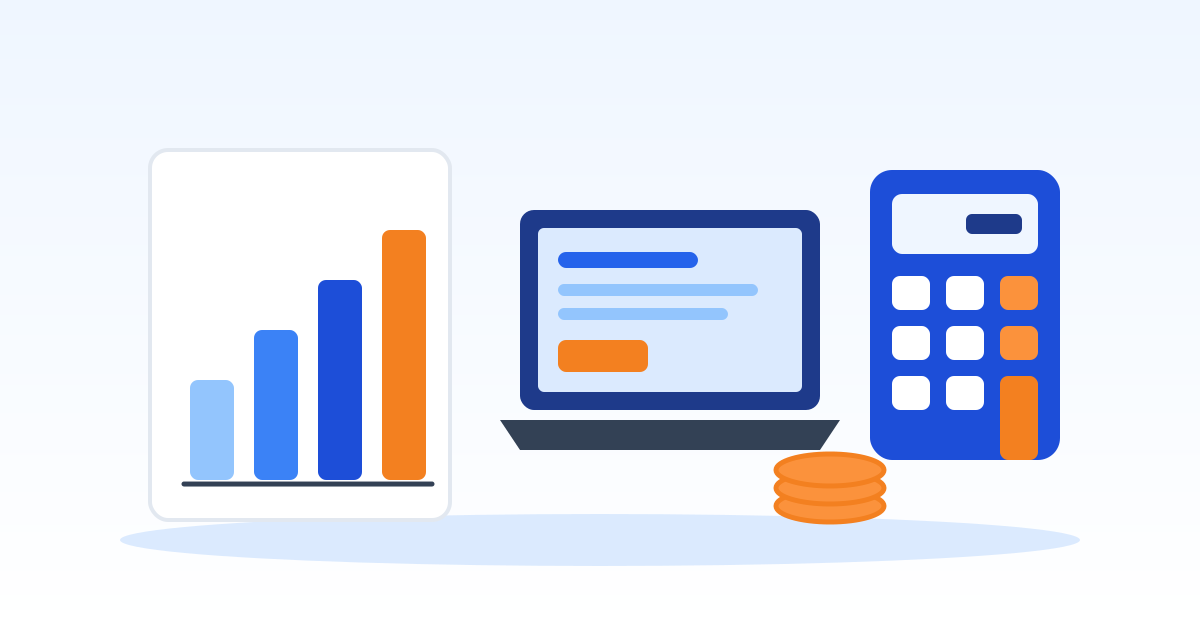 Free toolIT Budget CalculatorPick the IT services your business needs and get a realistic monthly and yearly budget range for your size.
Rather talk it through with a person?
If a quote, an insurance form or a customer questionnaire is full of these terms, Preferred Data can explain what applies to your business and what to do first. We have helped businesses with IT from High Point, NC since 1987.
Preferred Data Corporation, 1208 Eastchester Drive, Suite 131, High Point, NC 27265