
Guide for business owners
How to Use AI at Work Safely: A Small Business Guide
Your employees are probably already using AI chat tools, with or without permission. This guide shows how to turn that into safe, useful adoption: which tools to approve, what information never goes in, what a short policy should say, and how to train people and check the results.
Last reviewed by Preferred Data Corporation
Who this guide is for
- Owners and managers of 10 to 250 person companies whose staff already use ChatGPT, Copilot, Gemini or similar tools.
- Office managers asked to "write an AI policy" by the owner, a customer or an insurer.
- Leaders who want the time savings without leaking customer or company information.
Are my employees already using AI at work?
Very likely. In Microsoft's 2024 Work Trend Index, 75 percent of knowledge workers said they use generative AI at work, and 78 percent of those users brought their own AI tools instead of ones their employer provided; at small and mid-size companies the figure was 80 percent (Microsoft Work Trend Index 2024). Only 39 percent of people using AI at work said their company had trained them on it.
That gap is the real risk. When people use personal accounts on free tools, the company cannot see what goes in, cannot control the settings and loses the work when the person leaves.
Key takeaway: Banning AI rarely works. Giving people a safe, approved option and clear rules does.
Which AI tools should we approve?
Approve a small number of tools under business accounts your company controls, and read how each one handles your data. Business versions usually come with contract terms about data use. For example, Microsoft says prompts and responses in its business Copilot products are not used to train its foundation models, and are covered by the same commitments as email in Exchange and files in SharePoint (Microsoft Learn).
| Question | Personal or free account | Company business account |
|---|---|---|
| Who controls the account | The employee | Your company |
| Data and training terms | Consumer terms that vary by tool and settings | Business terms you can review before you approve |
| When someone leaves | The account and history go with them | You switch off access |
| Fits a written policy | Hard to enforce | Yes |
Free consumer versions often work differently. Google's privacy notice for its Gemini apps, for example, says a subset of chats is reviewed by human reviewers and asks people not to enter confidential information they would not want a reviewer to see or Google to use to improve its services (Google Gemini Apps Privacy Hub).
Before you approve any tool, get answers to these questions:
- Who owns the account: your company or the employee?
- Is what you type used to train the vendor's models, and can you turn that off?
- Where is your data stored, and for how long?
- Does it support single sign-on and multi-factor authentication, a second check such as a code on your phone?
- Can you remove someone's access the day they leave?
What information should never go into an AI tool?
Anything you would not want made public should stay out of tools your company has not approved, and the most sensitive information should stay out of every AI tool unless your policy and the tool's business terms allow it. Start with a short "never" list everyone can remember.
- Personal information about customers or employees, such as Social Security, driver's license, bank account or card numbers. North Carolina law treats these as identifying information (N.C. Gen. Stat. 14-113.20).
- Passwords, access codes and security settings.
- Information customers trust you to protect under contract, including controlled defense information. See our CMMC guide.
- HR files, health information and financial records.
- Trade secrets: pricing, quotes, drawings, formulas, source code and unannounced plans.
Key takeaway: If it would hurt your company or a customer to see it on a billboard, it does not go into a tool your company has not approved.
What should a written AI policy say?
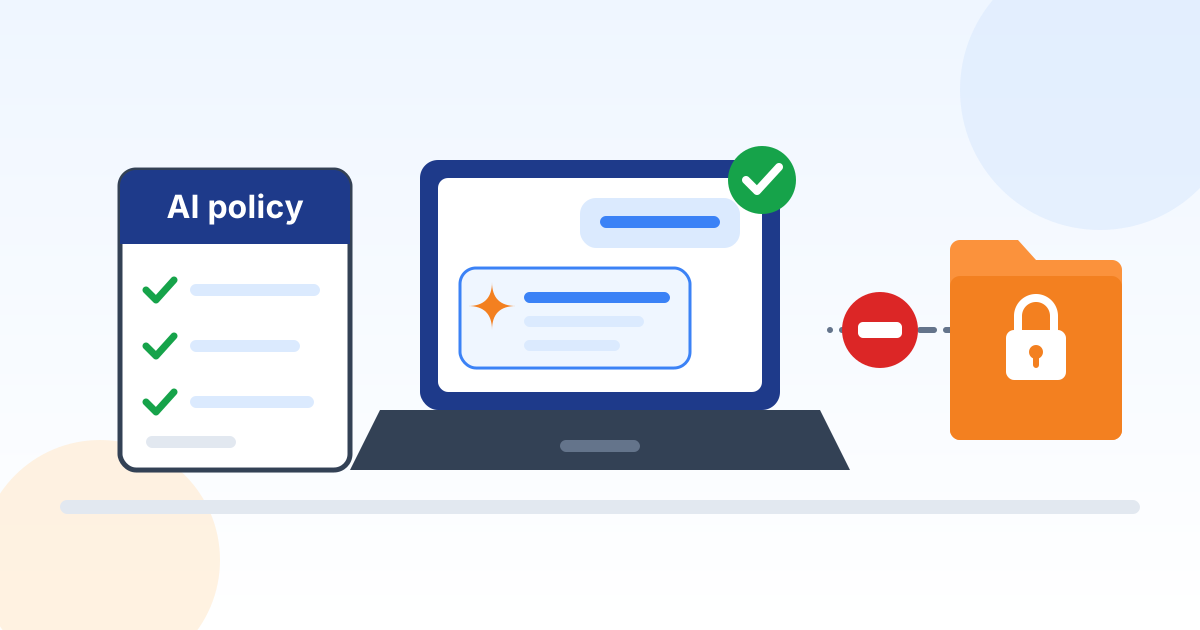
A small business AI policy can fit on two pages. It names the approved tools, lists the information that is off limits, requires a person to review output before it is used, says who makes AI decisions, and explains how to ask for a new tool.
Many companies use two documents: an AI governance policy for leadership (who decides, how tools are approved, how risk is reviewed) and an AI acceptable use policy for every employee (the day-to-day do's and don'ts). You can build both free with our AI Governance Policy generator and AI Acceptable Use Policy generator.
If you want a recognized framework behind your policy, the voluntary NIST AI Risk Management Framework, released January 26, 2023, organizes the work into four functions: govern, map, measure and manage.
How do we train employees to use AI safely?
Short, practical training works better than a long lecture. Show the approved tools, the "never" list, how to check the output and how to spot AI-powered scams, and repeat it when tools or rules change.
- Show real examples of good requests for your kind of work, using made-up data.
- Teach people that AI can state wrong things with confidence. NIST calls this "confabulation" and lists it among the main risks of generative AI (NIST AI 600-1).
- Warn about AI-powered fraud, such as a cloned voice or a fake video call asking for an urgent payment, and require a call back to a known number before any payment or bank change.
- Record who was trained and when, so you can show it if a customer or insurer asks.
Who checks the AI's work?
A person does. Make the employee who uses an AI result responsible for it, and require a second look for anything that goes to a customer, sets a price, affects someone's job or moves money.
NIST's Generative AI Profile lists risks that include confabulation, data privacy, information security and intellectual property (NIST AI 600-1). That is why anything used in a quote, a contract, a technical drawing or an HR decision needs review by someone who knows the subject.
Keep a simple list of approved tools and what each is used for, and review it twice a year. If you try AI agents, tools that take actions on their own, start them with read-only access and add permissions slowly.
Key takeaway: AI drafts, people decide.
Where to start
5 practical next steps, in order.
Ask what people already use
A short anonymous survey or a team meeting will tell you which tools are in use and for what. No blame: you are mapping the starting point.
Approve one or two tools
Choose business versions your company controls, read the data terms and turn on multi-factor authentication.
Write the two-page policy
Use our free AI Acceptable Use Policy generator for employees and the AI Governance Policy generator for leadership.
Train everyone in under an hour
Walk through the approved tools, the "never" list and how to check output. Keep an attendance record.
Review every six months
Check what is being used, what worked and whether the policy still fits. Remove tools nobody uses.
Free tools and templates
Free policy generators, tools and checklists from our resource library for putting AI to work safely.
Policy templates
 Policy templateAI Governance PolicySet how your organization approves, uses, oversees and audits AI tools, aligned to the NIST AI Risk Management Framework.
 Policy templateAI Acceptable Use PolicyGive every employee clear, signable rules for using ChatGPT, Copilot, Gemini and other AI tools at work without exposing company or customer data.
Reference
Reading list
The articles from our blog that go deeper on this topic, picked and grouped so you can read them in order.
Policy and governance
Training and rollout
- 31% of Employees Get No AI Training: NC SMB Playbook 2026
- SMB AI Adoption Hits 66%: Close the NC Training Gap 2026
- Piloting Microsoft Copilot: NC Small Business 2026
- 7 Costly AI Implementation Mistakes NC Manufacturers Make (And How to Avoid Them)
- 10 Practical AI Use Cases for Small and Mid-Size Manufacturers in 2026
Choosing tools and protecting data
Frequently asked questions
Should a small business ban ChatGPT and other AI tools?
Usually not. A ban tends to push use onto personal accounts you cannot see, and in Microsoft's 2024 survey 80 percent of AI users at small and mid-size companies were already bringing their own tools (Microsoft Work Trend Index 2024). Approving a safe option with clear rules gives you more control.
Is it safe to put customer information into an AI tool?
Only into a tool your company has approved for that purpose, under business terms you have read, and only when your policy allows it. Personal identifiers, passwords and information customers trust you to protect belong on the "never" list for everything else.
Do we need a written AI policy?
A written policy is the simplest way to set rules employees can follow, and to answer when a customer, insurer or auditor asks how you manage AI. If you work in a regulated field, check with your attorney about rules that apply to you.
What is the difference between an AI governance policy and an AI acceptable use policy?
The governance policy is for leadership: who approves tools, how risk is reviewed and who is accountable. The acceptable use policy is for every employee: what they may and may not do day to day. Build either free with our AI Governance Policy generator or AI Acceptable Use Policy generator.
Does Microsoft Copilot use our data to train its AI?
Microsoft says prompts, responses and the data Copilot reads through Microsoft Graph in its business Copilot products are not used to train foundation models (Microsoft Learn). Web searches Copilot makes are handled under separate terms, so read those too, and check the terms of any other tool you approve.
How can Preferred Data help with AI?
We help businesses pick and set up approved tools, control who can see what, write the policy and train staff, through our AI transformation services and AI security audits. Call (336) 886-3282 to talk it through.
Sources
How Preferred Data can help
Want AI that helps without the risk?
We will help you pick the right tools, set them up safely, write the policy and train your team, in plain English.
Preferred Data Corporation, in business since 1987 and headquartered in High Point, NC. 1208 Eastchester Drive, Suite 131, High Point, NC 27265