
Cyber Insurance Readiness Checker
Find out how ready you are for a cyber insurance application or renewal. Answer 16 plain-language questions about the security controls insurers commonly ask about, and get a score and a fix list in priority order.
Start the check
Answer for your whole company. If something is in place for most but not all people or computers, choose Partly. Your answers are saved in this browser only.
Logins and access
Computer and email protection
Backups
People and payments
Planning and vendors
Your readiness score
0 / 100
Not ready yet
Most of the controls insurers commonly ask about are not in place. Fixing the first few items on the list makes the biggest difference.
0 of 16 controls fully in place. 16 not answered yet (counted as not in place).
Your fix list, in the order we suggest
Multi-factor authentication on emailYour answer: Not answered
Turn on MFA for every mailbox, including shared and executive accounts, and block older sign-in methods that skip it.
On Marsh’s list of 12 key controls. Source: CISA #StopRansomware Guide, Marsh 12 key controls
Offline or immutable backupsYour answer: Not answered
Add a backup copy that is offline or immutable and kept separate from your normal network logins.
On Marsh’s list of 12 key controls. Source: CISA #StopRansomware Guide, Marsh 12 key controls
Multi-factor authentication on remote accessYour answer: Not answered
Require MFA on the VPN and every remote access tool, and remove any remote connection that cannot use it.
On Marsh’s list of 12 key controls. Source: Marsh 12 key controls, Marsh McLennan research, CISA #StopRansomware Guide
Payment and bank-change verificationYour answer: Not answered
Write a rule that every new or changed payment instruction is confirmed by phone, using a number from your records, not one in the email.
Commonly asked about. Source: FBI IC3 alert, FBI IC3 2025 report
Multi-factor authentication on admin accountsYour answer: Not answered
Require MFA on every admin account, including cloud admin portals and backup consoles.
On Marsh’s list of 12 key controls. Source: Marsh 12 key controls, Marsh McLennan research
No remote desktop open to the internetYour answer: Not answered
Close remote desktop ports to the internet and put remote access behind a VPN or gateway with MFA.
On Marsh’s list of 12 key controls. Source: CISA #StopRansomware Guide, Marsh 12 key controls
Endpoint detection and responseYour answer: Not answered
Put EDR on every computer and server, and make sure someone reviews and acts on its alerts.
On Marsh’s list of 12 key controls. Source: Marsh 12 key controls
PatchingYour answer: Not answered
Automate updates and track them. Marsh McLennan found that patching high-severity flaws within seven days roughly halved the chance of a cyber event.
On Marsh’s list of 12 key controls. Source: Marsh McLennan research, CISA #StopRansomware Guide
Tested restoresYour answer: Not answered
Schedule a restore test at least once a year, write down how long it took, and fix anything that failed.
On Marsh’s list of 12 key controls. Source: CISA #StopRansomware Guide, Marsh 12 key controls
Limited admin rightsYour answer: Not answered
Remove local admin rights from everyday accounts and give IT separate admin logins used only for admin work.
On Marsh’s list of 12 key controls. Source: Marsh 12 key controls
Incident response planYour answer: Not answered
Write a short plan with names and phone numbers (including your insurer’s claims line) and walk through it once a year.
On Marsh’s list of 12 key controls. Source: Marsh 12 key controls, CISA #StopRansomware Guide
Email filteringYour answer: Not answered
Use an email security filter for phishing, malicious links and attachments, and check that it covers every mailbox.
On Marsh’s list of 12 key controls. Source: Marsh 12 key controls, CISA #StopRansomware Guide
Security awareness training and phishing testsYour answer: Not answered
Run short training for everyone and regular simulated phishing emails, and track who completes them.
On Marsh’s list of 12 key controls. Source: Marsh 12 key controls, CISA #StopRansomware Guide
Vendor and supply chain accessYour answer: Not answered
List every vendor with remote access, remove what is not needed, and require MFA and approval for the rest.
On Marsh’s list of 12 key controls. Source: Marsh 12 key controls
Logging and monitoringYour answer: Not answered
Collect logs from key systems and arrange around-the-clock monitoring, in house or through a provider.
On Marsh’s list of 12 key controls. Source: Marsh 12 key controls
End-of-life systemsYour answer: Not answered
List every unsupported system, plan its replacement, and isolate anything that must stay, such as a machine running shop equipment.
On Marsh’s list of 12 key controls. Source: Marsh 12 key controls
What security controls do cyber insurers ask about?
Most applications focus on the same handful of controls that stop the most common attacks. Marsh's list of 12 key controls, for example, starts with multi-factor authentication for remote and admin access, email filtering, and secured, encrypted and tested backups (Marsh).
| Control | In plain words | Named by |
|---|---|---|
| Multi-factor authentication (MFA) | A second check at sign-in, like a code on your phone | Marsh, CISA |
| Endpoint detection and response (EDR) | Security software that spots and stops attacker behavior on each computer | Marsh |
| Secured, encrypted and tested backups | A copy ransomware cannot reach, and proof you can restore it | Marsh, CISA |
| Patch and vulnerability management | Installing security updates quickly | Marsh, CISA |
| Email filtering | Blocking phishing and malicious attachments before they reach people | Marsh, CISA |
| Awareness training and phishing tests | Teaching staff to spot scams, and practicing it | Marsh, CISA |
| Incident response plan | A written, practiced playbook for an attack | Marsh, CISA |
| Payment verification | Confirming wire and bank-detail changes through a second channel | FBI IC3 |
Why are insurers asking about these controls?
Because claims data shows where losses come from. Business email compromise and funds transfer fraud were 58% of the incidents one cyber insurer, Coalition, saw in 2025, and initial ransom demands rose 47% year over year (Coalition 2026 Cyber Claims Report).
- The FBI received reports of over $3.04 billion in business email compromise losses in 2025 (FBI IC3 2025 Internet Crime Report).
- Attacks that both stole and encrypted data made up 70% of Coalition's 2025 ransomware claims (Coalition).
- Marsh McLennan's research found organizations using automated hardening techniques were nearly six times less likely to have a cyber incident, and that patching high-severity flaws within seven days cut the probability of a cyber event by a factor of two (Marsh McLennan).
- The same research found MFA only works when it covers all critical and sensitive data, all remote logins and all admin accounts (Marsh McLennan).
Which answers cause problems on an application?
Insurers do not publish one shared rule, so we do not claim that any single answer gets you declined or raises your premium. What we can say is which controls are commonly asked about and named as key by brokers and government guidance; the fix list ranks those for you.
- Answer every application question accurately, and keep proof: screenshots of MFA settings, EDR coverage reports, the date of your last restore test.
- If a control is only partly in place, say so and say when it will be finished. Ask your broker how the insurer treats a control that is in progress.
- Questions about what your policy covers, or what your application answers commit you to, belong with your broker or attorney.
How do I get ready before my renewal?
Start a few months before your renewal date so there is time to fix gaps, not just describe them. Work down the fix list from the top, write down what you did, and keep the evidence for the application.
- Turn on multi-factor authentication everywhere: email, remote access and admin accounts. Our password policy template sets the rules in writing.
- Make sure one backup copy is offline or immutable, then prove it with a restore test. The backup and recovery policy template and our backup services cover both.
- Write a short incident response plan with your insurer’s claims phone number in it, using the incident response plan template.
- Put EDR, patching and email filtering under one managed service, such as our cybersecurity services.
How is the readiness score calculated?
Each of the 16 controls counts the same. "Yes" earns full credit, "Partly" earns half, and "No" or "Not sure" earn none, so the score is the share of controls you have in place, from 0 to 100.
| Score | Level | What it suggests |
|---|---|---|
| 90 to 100, all five minimum controls in place | Well prepared | Keep evidence ready for renewal |
| 70 to 89, or 90+ missing any of the five | Mostly ready | Close the remaining gaps before you apply |
| 40 to 69 | Significant gaps | Expect follow-up questions; start at the top of the list |
| 0 to 39 | Not ready yet | The first few fixes make the biggest difference |
One exception: if any of these five controls is not fully in place (multi-factor authentication on email, on remote access and on admin accounts, an offline backup, and payment verification), the result tops out at "Mostly ready", even with a score of 90 or more. We treat these five as the minimum because, in our experience, they address the most common ways attackers get in and money gets stolen. That is our judgment, not an insurer rule.
The order of the fix list is our recommendation, based on which gaps attackers use most and which fixes are quickest. It is a planning tool built by Preferred Data, not an insurer’s underwriting model.
Frequently asked questions
Does a high score guarantee I can get cyber insurance?
No. Every insurer sets its own requirements and looks at more than security controls. A high score means you have the controls insurers commonly ask about, which puts you in a better position to answer the application.
What is EDR, and is regular antivirus enough?
EDR (endpoint detection and response) watches each computer for attacker behavior and can isolate it, while traditional antivirus mainly looks for known bad files. EDR is one of Marsh's 12 key controls (Marsh), so expect the application to ask about it by name.
What is an offline or immutable backup?
It is a backup copy that ransomware cannot reach or change: either disconnected from your network, or locked so nobody can alter or delete it for a set time. CISA advises keeping offline, encrypted backups and regularly testing them (CISA #StopRansomware Guide).
Why does payment verification matter for insurance?
Because fake payment requests are one of the biggest sources of loss. The FBI advises using a second channel to verify requests to change account information (FBI IC3), and business email compromise losses reported to the FBI topped $3.04 billion in 2025 (FBI IC3).
Should my incident response plan mention my insurer?
Yes. Your policy spells out how and when to notify the insurer, so put the claims phone number and those steps in the plan. Check the exact wording with your broker.
Are my answers stored or shared?
Your answers are saved only in your own browser so you can come back later. Nothing is sent to Preferred Data unless you choose "Have an expert review my results", which shares your score and top fixes with us so we can follow up.
Sources
- Marsh: Cyber resilience, 12 key controls to strengthen your security
- Marsh McLennan: research linking key cybersecurity controls and reduced cyber risk (April 6, 2023)
- CISA and partners: #StopRansomware Guide (September 2023)
- FBI IC3: 2025 Internet Crime Report
- FBI IC3: Business Email Compromise, the $55 Billion Scam (PSA, September 11, 2024)
- Coalition: 2026 Cyber Claims Report announcement (March 5, 2026)
- Coalition: 5 essential insights from the 2026 Cyber Claims Report
More help with cyber insurance
 GuideCyber Insurance for Small Businesses: What Insurers Ask and How to QualifyWhat cyber insurance covers, the security controls insurers commonly ask about, why claims get disputed, and how to get ready for your next renewal.
 Free toolCybersecurity AssessmentEighteen yes, partly or no questions on logins, computers, data and people, with a letter grade and the actions to take first.
 Policy templateInformation Security PolicyEstablish the core security program every insurer, auditor and customer now asks about: data classification, access control, patching, encryption, logging and vendor risk.
 Policy templateIncident Response PlanKnow exactly who does what in the first hours of a ransomware attack, data breach or business email compromise, including who to call and which notification clocks start.
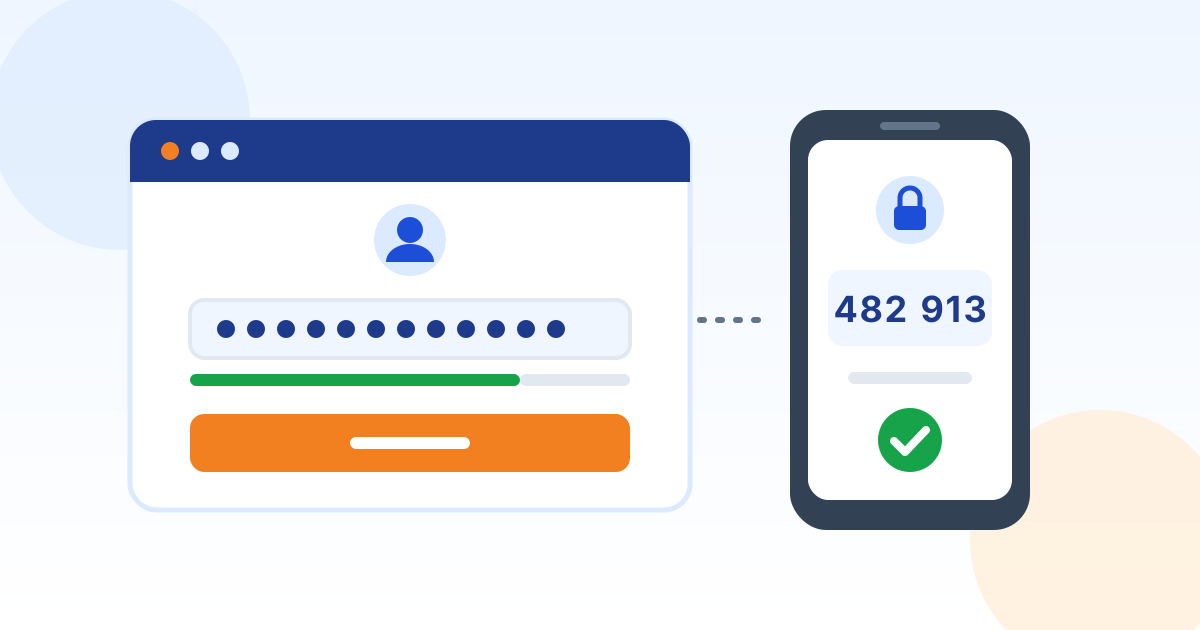 Policy templatePassword and MFA PolicyModern password and MFA rules based on current NIST SP 800-63B guidance: long passphrases, a password manager, no forced resets, and phishing-resistant MFA where it matters.
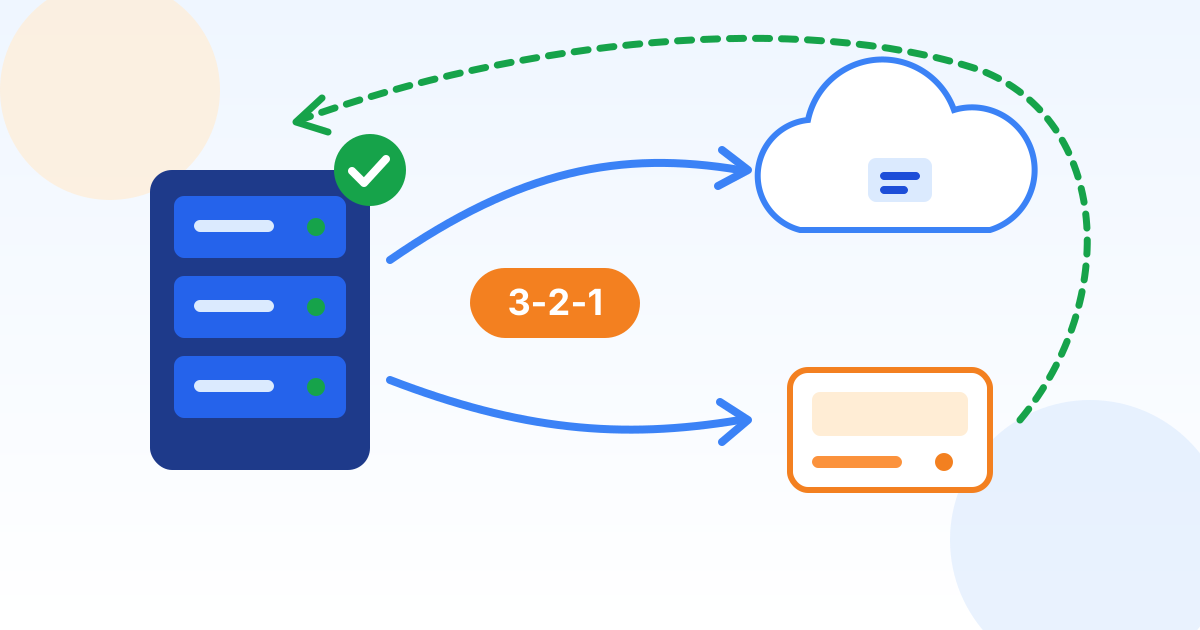 Policy templateData Backup and Recovery PolicyDefine what gets backed up, how often, where copies live and how fast you must recover, using the 3-2-1-1-0 rule that ransomware now demands.
Want help closing the gaps before renewal?
Preferred Data has supported businesses from High Point, NC since 1987. We can review your answers with you, put the missing controls in place, and help you gather the evidence your application asks for.