
Free printable checklist
Ransomware or a suspected breach: your first 24 hours
Your screens show a ransom note, or something just feels wrong. This checklist walks you through the first day hour by hour: what to unplug, who to call, what not to touch, and what North Carolina law may require you to tell people. Print it now, before you ever need it.
- Timeframe
- First 24 hours
- Steps
- 21
- Last reviewed
- October 2, 2026
- Price
- Free, no sign-up
Who this is for: Owners and office managers at small and mid-sized businesses, with or without in-house IT staff.
0 of 21 done
Your checkmarks are saved in this browser only. The printout is a blank copy.
1.First hour: stop the spread
0 of 6Speed matters more than perfection here. The goal is to stop the damage from spreading without destroying the clues investigators need.
Pulling the network cable or turning off Wi-Fi keeps the infection from reaching other machines, and it is the first step in the CISA ransomware response checklist.
Who: Whoever spots it
Memory holds clues that vanish at shutdown, so the FTC says not to turn machines off until forensic experts arrive; CISA says to power down only if you cannot unplug the device.
Who: Whoever spots it
The note usually names the ransomware and how the criminals want to be contacted, which your IT provider, insurer and the FBI will all ask for.
Who: Whoever spots it
Wiping destroys the evidence your insurer and investigators need, and the FBI does not support paying a ransom because paying does not guarantee you get your data back.
Who: Owner
They can check how far the attack has spread, cut off the attacker and start containment while you make the calls below.
Who: Owner or office manager
Many ransomware strains look for backups to delete or encrypt them, CISA warns, so keep at least one clean copy offline.
Who: IT provider
2.Hours 1 to 4: get the right people involved
0 of 5Make these calls before you hire anyone or spend money on recovery. The order matters because your insurance policy may set the rules.
Many policies require quick notice and offer a 24/7 breach hotline (the FTC suggests asking for one), and some only pay for response firms on the insurer's approved list, so check your policy.
Who: Owner
Whether you must notify anyone depends on what data was involved and where the affected people live, and the FTC recommends consulting legal counsel early.
Who: Owner
The insurer, the investigators and any breach notice will all need a timeline, and memories blur fast in a crisis. Our free incident report form and incident log gives you the pages to fill in.
Who: Office manager
If the attacker can read your mailbox, they can read your response plans too.
Who: Everyone
Attackers often steal passwords before they launch ransomware, and the FTC says to change credentials so they cannot simply log back in.
Who: IT provider
3.Hours 4 to 12: preserve evidence and report
0 of 4Reporting is free, it does not hand over control of your business, and it helps investigators track the criminals.
CISA recommends a system image and memory capture of a sample of affected devices, plus the relevant logs, before they are overwritten.
Who: IT provider
The FBI asks victims to report whether or not they pay, and the FBI Charlotte field office covers North Carolina.
Who: Owner or IT provider
The CISA ransomware guide lists cisa.gov/report as the place to report, alongside your local FBI field office.
Who: Owner or IT provider
The Treasury Department's Office of Foreign Assets Control warns that a ransom paid to a sanctioned group can break federal sanctions rules.
Who: Owner
4.Hours 12 to 24: notify and communicate
0 of 6Decide what you know, what you do not know yet, and who needs to hear it. Say less rather than guess.
In North Carolina, a name plus something like a Social Security, driver's license, bank account or card number, or a password counts as personal information (N.C.G.S. 75-61 and 14-113.20).
Who: IT provider and attorney
N.C.G.S. 75-65 requires notice to affected people without unreasonable delay and, when you notify them, to the Consumer Protection Division of the NC Attorney General's office; over 1,000 people also means telling the nationwide credit bureaus. Our free data breach notification procedure template lays out the steps to work through with your attorney.
Who: Owner and attorney
The NC Department of Justice provides the form businesses use to report a breach to the Attorney General's office.
Who: Attorney
One clear internal message stops rumors, keeps people off social media and stops anyone replying to the criminals.
Who: Owner
The FTC advises a communications plan that reaches employees, customers, partners and other stakeholders; stick to what you have confirmed.
Who: Owner
CISA recommends bringing critical systems back first, on a clean network, from backups you know are clean, so the attack does not start again.
Who: IT provider
Who does what on this checklist?
Every step names an owner so nothing waits on a single person. Hand each owner their rows below, and agree ahead of time who covers if someone is out.
| Owner | Steps | Where they appear |
|---|---|---|
| Owner | 6 | First hour: stop the spread; Hours 1 to 4: get the right people involved; Hours 4 to 12: preserve evidence and report; Hours 12 to 24: notify and communicate |
| IT provider | 4 | First hour: stop the spread; Hours 1 to 4: get the right people involved; Hours 4 to 12: preserve evidence and report; Hours 12 to 24: notify and communicate |
| Whoever spots it | 3 | First hour: stop the spread |
| Owner or IT provider | 2 | Hours 4 to 12: preserve evidence and report |
| Attorney | 1 | Hours 12 to 24: notify and communicate |
| Everyone | 1 | Hours 1 to 4: get the right people involved |
| IT provider and attorney | 1 | Hours 12 to 24: notify and communicate |
| Office manager | 1 | Hours 1 to 4: get the right people involved |
| Owner and attorney | 1 | Hours 12 to 24: notify and communicate |
| Owner or office manager | 1 | First hour: stop the spread |
How do you make this checklist work in real life?
A checklist only helps if the right people know it exists before they need it. These habits make the difference.
- Print this page today and tape your IT provider’s after-hours number and your insurer’s claims hotline to the front. During an attack you may not be able to open your own files.
- Write down who is allowed to make each decision (paying, shutting down production, talking to the press) before anything happens. Our free incident response plan template walks you through it.
- Keep at least one backup copy offline and test a restore on a schedule. CISA recommends offline, encrypted backups that are tested regularly.
- Run a one-hour practice once a year: read this checklist aloud with your leadership team and your IT provider and fix whatever confuses people.
Want help with the steps that need an IT provider?
Preferred Data Corporation has supported businesses from High Point, NC since 1987. These services cover the technical steps on this list.
Frequently asked questions
Should we pay the ransom?
Not as a first move, and never on your own. The FBI does not support paying because it does not guarantee your data back, and the Treasury Department warns that paying a sanctioned group can break federal rules. Talk to your insurer and attorney before anyone contacts the criminals.
Should we turn the infected computers off?
Unplug them from the network first and leave them on if you can. The FTC says not to turn machines off until forensic experts arrive, because memory holds evidence. CISA says to power a device down only if you cannot disconnect it.
Do we have to tell customers about a ransomware attack in North Carolina?
It depends on whether personal information was accessed and taken. N.C.G.S. 75-65 requires businesses to notify affected people without unreasonable delay, and to tell the NC Attorney General's office when they do. Your attorney should make the call, because the details of what was taken decide it.
Who do we report a ransomware attack to?
Report it to the FBI through IC3.gov or the FBI Charlotte field office, and to CISA at cisa.gov/report. Reporting is separate from any duty to notify customers or the NC Attorney General.
Will our cyber insurance pay for the response?
That depends on your policy. Many policies expect you to call them first and use the response firms they approve, and some will not pay for help you hired before you notified them. Read your policy now, while nothing is wrong.
How long does recovery from ransomware take?
It depends on how far the attack spread and whether you have clean, tested backups. A business with offline backups that have been restored in practice usually recovers far faster than one starting from scratch. The 24 hours on this page are about containment and decisions, not full recovery.
Sources
- CISA: #StopRansomware Guide and response checklist
- FTC: Data Breach Response, A Guide for Business
- FBI IC3: Ransomware
- FBI Charlotte field office
- CISA: Report a cyber incident
- U.S. Treasury OFAC: Updated ransomware advisory (September 21, 2021)
- N.C.G.S. 75-65: Protection from security breaches
- N.C.G.S. 75-61: Definitions (security breach, personal information)
- N.C.G.S. 14-113.20: Identifying information
- NC Department of Justice: Report a Security Breach
- FTC: Cyber Insurance (Cybersecurity for Small Business)
Related free resources
 GuideRansomware: How North Carolina Small Businesses Prevent It and RecoverWhat ransomware is, how criminals usually get in, the handful of controls the FBI and CISA recommend, what to do in the first day, and whether to pay.
 Free toolCyber Insurance Readiness CheckerSixteen quick questions about the security controls insurers commonly ask about, with a readiness score and a fix list in priority order.
 Free toolCybersecurity AssessmentEighteen yes, partly or no questions on logins, computers, data and people, with a letter grade and the actions to take first.
 Policy templateIncident Response PlanKnow exactly who does what in the first hours of a ransomware attack, data breach or business email compromise, including who to call and which notification clocks start.
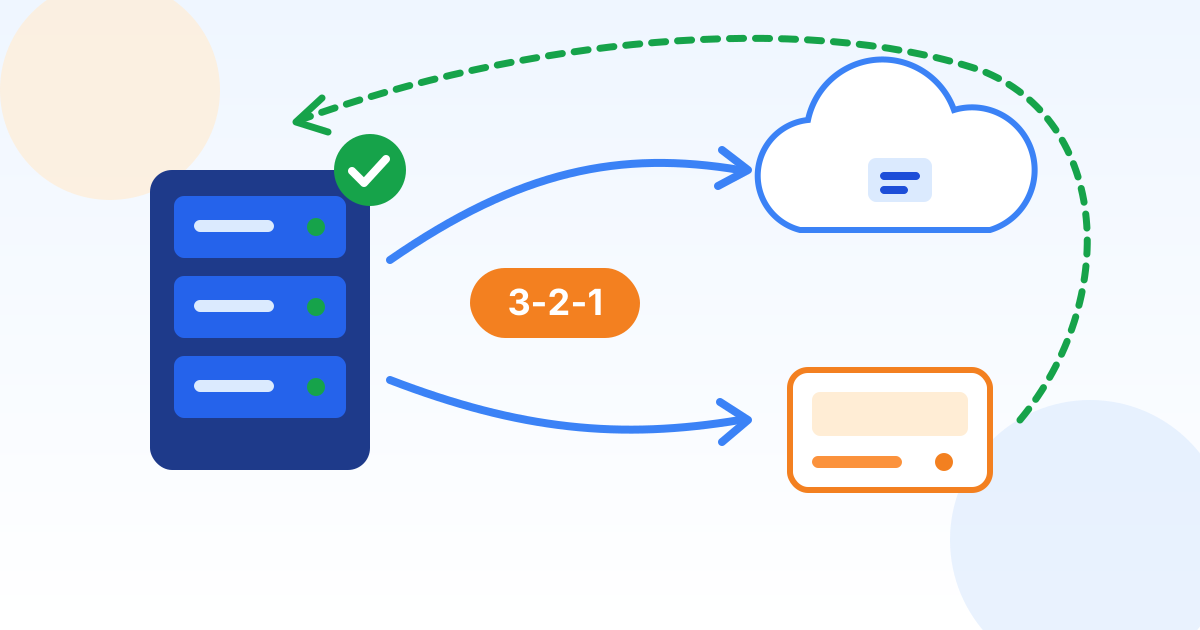 Policy templateData Backup and Recovery PolicyDefine what gets backed up, how often, where copies live and how fast you must recover, using the 3-2-1-1-0 rule that ransomware now demands.
 Policy templateBusiness Continuity PolicyKeep the business running through storms, outages, fires and cyberattacks: critical functions, recovery targets in plain words, a call tree and an annual tabletop test.
Dealing with an attack right now?
Call us. Preferred Data has supported businesses from High Point, NC since 1987, and we can help you contain the damage, preserve evidence and work alongside your insurer and attorney.
Preferred Data Corporation, 1208 Eastchester Drive, Suite 131, High Point, NC 27265