
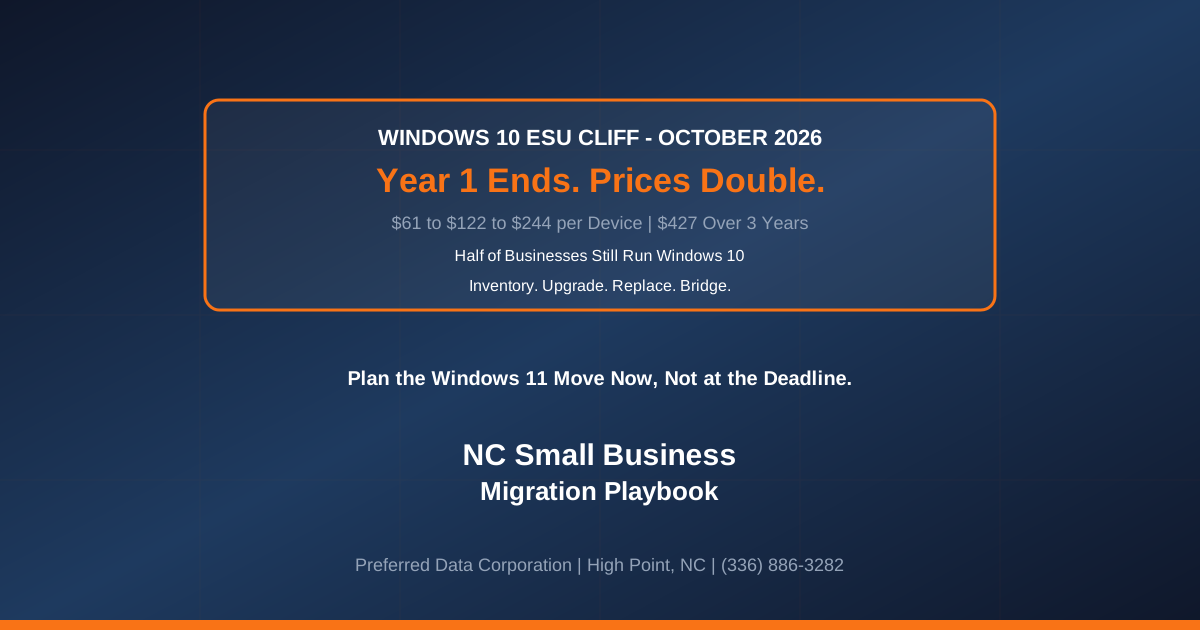
TL;DR: Mainstream support for Windows 10 ended on October 14, 2025, and the paid Extended Security Updates (ESU) bridge is not a place to park a PC fleet, it is a countdown. Commercial ESU costs about $61 per device for Year 1, then doubles to $122 in Year 2 and $244 in Year 3, a cumulative $427 per device over three years, and you cannot buy partial years or skip a year (join late and you must back-pay prior years). Year 1 runs out in October 2026. Yet surveys show roughly half of businesses were still running Windows 10 well into 2026. For NC small businesses, the window to migrate calmly, rather than in a panic, is now measured in weeks.
Key takeaway: ESU pricing doubles every year by design, to push you off Windows 10. The cheapest path is almost never "keep paying ESU"; it is a planned migration to Windows 11 (or new hardware where machines are ineligible), executed over the next quarter instead of the week before the deadline. Every unpatched Windows 10 machine after your ESU coverage lapses is an open door.
Not sure how many Windows 10 machines you still run? Contact Preferred Data Corporation at (336) 886-3282 for a device inventory and migration assessment. BBB A+ rated, serving High Point, Greensboro, Winston-Salem, Charlotte, Raleigh, and the Piedmont Triad since 1987.
When does Windows 10 support actually end for businesses?
Windows 10 mainstream support already ended on October 14, 2025; what remains is a paid, time-limited ESU bridge, and the affordable first year of it ends in October 2026. After that, prices escalate sharply, and eventually the bridge ends entirely.
- October 14, 2025: Routine Windows 10 security and quality updates and standard support stopped for devices not enrolled in ESU.
- October 2026: ESU Year 1 concludes; the consumer ESU program covers eligible devices through October 13, 2026, and commercial Year 1 pricing gives way to the doubled Year 2 rate.
- Beyond: Commercial ESU is available for up to three years total, at $61, then $122, then $244 per device, after which no more security updates are offered.
The practical takeaway: a Windows 10 machine is already unsupported unless you are paying, and what you are paying for gets more expensive every year.
How much does it really cost to stay on Windows 10?
Staying on Windows 10 via ESU costs $61 per device the first year, $122 the second, and $244 the third, a cumulative $427 per device for three years of security-only patches, and you get nothing else for that money. That is often more than the value it buys, because the machine still ages, still runs slower, and still cannot run the newest business and AI-enabled software.
Compare the two realistic paths for an eligible machine.
| Factor | Keep on Windows 10 (ESU) | Migrate to Windows 11 |
|---|---|---|
| Year 1 cost per device | ~$61 | Software upgrade often $0 on eligible hardware |
| 3-year cost per device | ~$427 (escalating) | One-time migration effort, then supported for free |
| Security patches | Security-only, temporary | Full, ongoing |
| New feature and AI-app support | No | Yes |
| End state | Dead-end in ~3 years | Current and supported |
| Can you skip/partial-pay | No, back-pay required | N/A |
The math flips for machines that fail Windows 11 hardware checks (no TPM 2.0, unsupported CPU). Those need replacement, which is a procurement decision, not a licensing one, and one that benefits from planning rather than an emergency bulk order.
Want a per-device cost model for your fleet before you spend on ESU? Call Preferred Data Corporation at (336) 886-3282 or explore our Hardware Procurement and Managed IT Services.
What are the migration options for an NC small business?
There are three paths, and most NC businesses use a mix: upgrade eligible PCs to Windows 11, replace ineligible hardware, and use ESU only as a short bridge for the few machines that genuinely need it. The right blend depends on your device inventory, which is exactly the thing most small businesses have not fully mapped.
- Upgrade eligible machines to Windows 11. Devices with TPM 2.0 and a supported CPU can usually move at no software cost. Test critical line-of-business and industry applications first.
- Replace ineligible or aging hardware. Machines that fail Windows 11 requirements should be scheduled for replacement, ideally staggered across a budget cycle rather than bought all at once.
- Use ESU as a true bridge only. For a small number of machines tied to legacy hardware or a certification, buy ESU to cover a planned migration you are actively executing, not to postpone the problem.
The hidden hazard for small businesses is what one analysis calls invisible sprawl: owner laptops, desktops under counters, a shared front-desk PC, and "the one workstation nobody dares reboot because it runs the label printer." You cannot migrate what you have not found, so a complete inventory is step zero.
Key takeaway: Do not treat this as a single deadline-day cutover. Treat it as a 3-to-6-month project: inventory everything, sort machines into upgrade / replace / bridge buckets, test your critical apps, then execute in waves.
Why is an unsupported Windows 10 PC a security and compliance problem?
An unsupported operating system stops receiving security patches, which turns every future vulnerability into a permanent, unfixable hole, and the 2026 breach data shows this is one of the most exploited weaknesses. The 2026 Verizon DBIR found 31% of breaches now start with an unpatched vulnerability, and 96% of ransomware victims are SMBs.
For NC businesses, the consequences stack up:
- Ransomware exposure. Unpatched endpoints are prime ransomware entry points, and operational disruption often costs more than any ransom.
- Compliance failure. HIPAA, CMMC, and cyber-insurance policies generally require supported, patched systems. Running an out-of-support OS can void coverage and breach contractual security requirements, especially for manufacturers and healthcare firms.
- Breach-notification risk. A compromise of a Windows 10 endpoint holding customer PII triggers N.C.G.S. Section 75-65 notification duties.
Migrating is not just an IT chore; it is closing one of the most common breach vectors before it is used against you.
Ready to build a calm, budgeted Windows 11 migration plan? Contact Preferred Data Corporation at (336) 886-3282. Serving the Piedmont Triad since 1987, BBB A+ rated.
Frequently Asked Questions
Can I just keep using Windows 10 after support ended?
You can turn the machines on, but without ESU they receive no security patches, so every new vulnerability stays open permanently. That is a serious risk for any business system, and it can violate HIPAA, CMMC, and cyber-insurance requirements. Use Windows 10 only with ESU coverage, and only as a short bridge while you migrate.
How much does Windows 10 ESU cost for a business?
Commercial ESU is about $61 per device for Year 1, $122 for Year 2, and $244 for Year 3, roughly $427 per device across three years. You cannot buy partial years, and if you enroll late you must pay for the prior years first. The escalating price is intentional, to encourage migration.
Is my computer eligible for Windows 11?
Windows 11 requires TPM 2.0 and a supported processor, among other checks. Many business PCs from the last several years qualify and can upgrade at no software cost, while older machines will need replacement. A quick device inventory tells you exactly how your fleet splits between upgrade and replace.
How long does a Windows 11 migration take for a small business?
Plan on 3 to 6 months for a typical small-business fleet: inventory, sort machines into upgrade/replace/bridge, test critical applications, then roll out in waves. Starting now means a calm, budgeted project rather than a rushed cutover at the deadline.
Will my old business software still work on Windows 11?
Most modern applications run fine, but legacy or industry-specific software should be tested before you migrate the machines that depend on it. Preferred Data validates critical line-of-business apps during the assessment so there are no surprises on cutover day.
Can Preferred Data manage the whole migration for us?
Yes. We handle the full lifecycle: device inventory, Windows 11 eligibility assessment, hardware procurement for ineligible machines, application compatibility testing, staged deployment, and ongoing management, for businesses across High Point, Greensboro, Charlotte, Raleigh, and the greater Piedmont Triad.
Related Resources
- Windows 10 Extended Security Updates explained - Managed Solution
- Windows 10 ESU deadline: October 2026 is the real security cliff - Windows Forum
- 2026 Verizon DBIR: SMBs and unpatched vulnerabilities - Infosecurity Magazine
- Preferred Data Managed IT Services
- Preferred Data Hardware Procurement
- Preferred Data Cloud Solutions
- Preferred Data Cybersecurity Services